
Learn how Microsoft Teams boost your team collaboration with the right tools to stay organized with projects and foster clear communication. Microsoft has built a platform beyond the Microsoft Suite applications including Outlook and PowerPoint. You’ll learn about ways Microsoft Teams is the only CRM you need such as the roadmap, integrations, guest access, mobile apps and Skype for Business.
- Roadmap
- Integrations
- Guest Access
- Mobile App
- Skype for Business
1. Office 365 Roadmap
The Office 365 Roadmap “lists updates that are currently planned for applicable subscribers. Updates are at various stages from being in development to rolling-out to customers to being generally available for applicable customers world-wide.” Microsoft Team Roadmaps allows your IT staff to plan for what Microsoft will launch, updates rolling out, in development, cancelled and previous released applications for general updates.
2. Microsoft Teams Integrations
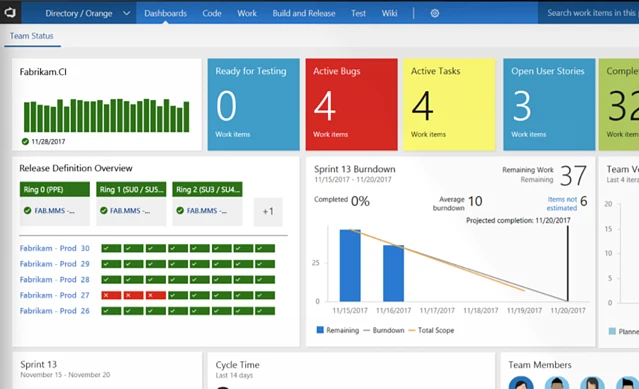
Microsoft Teams is your chat-centered workspace in Office 365. Software development teams get instant access to everything they need in a dedicated hub for teamwork, that brings your teams, conversations, content and tools from across Office 365 and Visual Studio Team Services or Team Foundation Server together into one place.
The Team Foundation Server is a collaborative software development tools for the entire team. It provides a set of collaborative software development tools that integrate with your existing IDE or editor thus enabling your cross-functional team to work effectively on software projects of all sizes.
Suggested Blog: Team Collaboration with Dock SharePoint Intranet & Office 365
3. Microsoft Teams Guest Access
Guest access in Microsoft Teams allows teams in your organization to collaborate with people outside your organization by granting them access to teams and channels. This allows guests such as partners, vendors, suppliers, or consultants to access team chats, meetings and files with permissions set up from your IT department. “All guests in Teams are covered by the same compliance and auditing protection as the rest of Office 365, and can be managed securely within Azure AD.”
4. Apps for Microsoft Teams
You can extend Microsoft Teams by developing an app that provides content and services. A single app can provide one or more capabilities. Deciding which capabilities to offer depends on what you want to do. Apps are available in the Teams store, and can be custom built by you for distribution through the store or directly to your users.
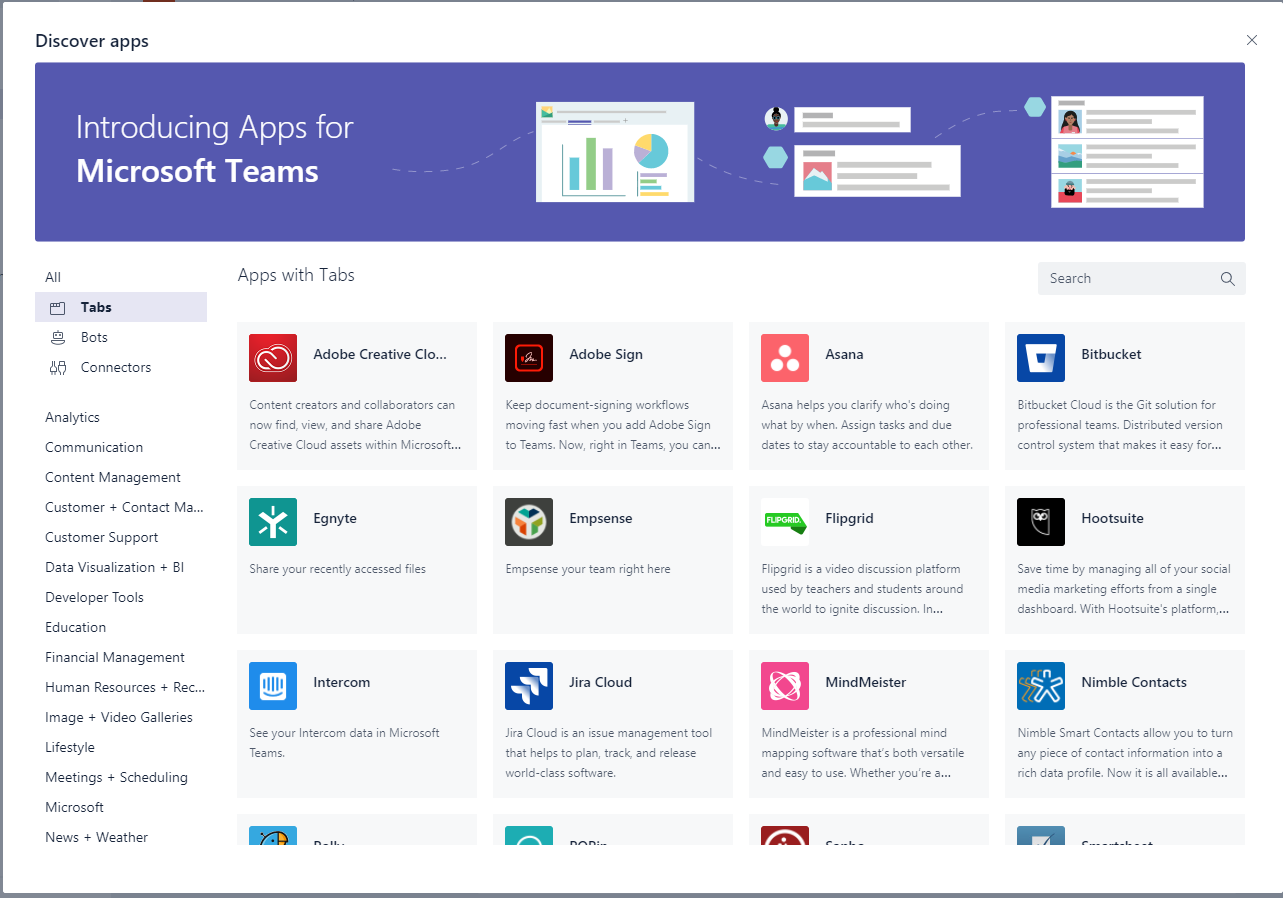
Microsoft Teams apps are web apps, you can use any web-programming technology and can host them on any hosting platform. Microsoft team apps article .
5. Microsoft Teams & Skype for Business
Skype for Business provides real-time voice, video and conferencing and hosts more than 100 million meetings a month.
This week marks the first anniversary of #MicrosoftTeams, growing significantly in both new capabilities and customer usage. Today, we celebrate #1YearOfTeams. pic.twitter.com/UmUQMkqNwG
— Microsoft Teams (@MicrosoftTeams) March 12, 2018
Free Download: Skype for Business to Teams Capabilities Roadmap
First and foremost, Microsoft Teams provides a modern conversation experience for today’s teams. Microsoft Teams supports not only persistent but also threaded chats to keep everyone engaged. Team conversations are, by default, visible to the entire team, but there is of course the ability for private discussions. Skype is deeply integrated, so teams can participate in voice and video conferences. And everyone can add personality to their digital workspace with emojis, stickers, GIFs and custom memes to make it their own.
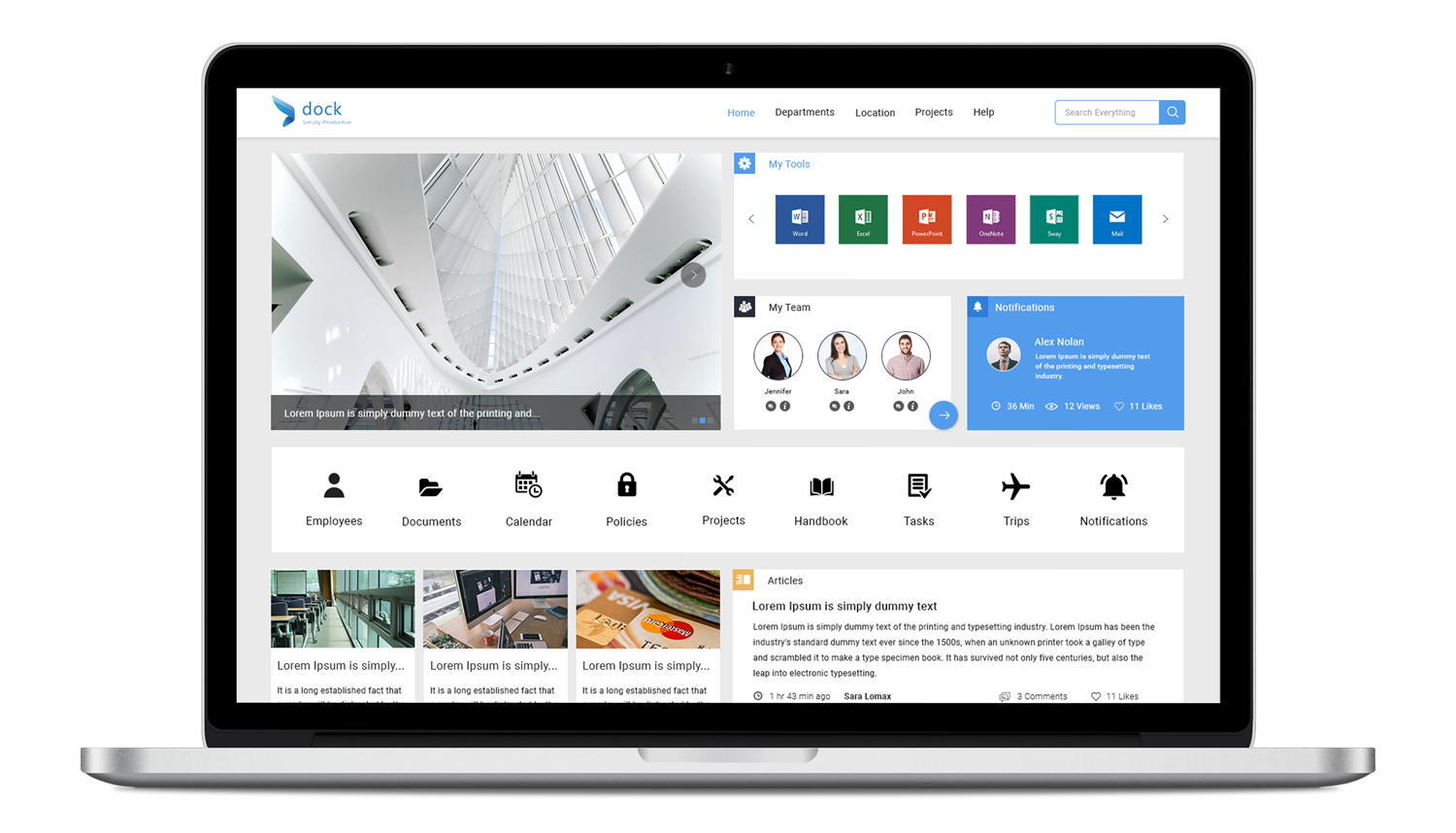
Microsoft Teams Upgrade with Dock 365
Learn more about team collaboration with SharePoint Intranet & Office 365 with Dock here. Utilize Microsoft Teams with SharePoint to collaborate with sales teams and marketing teams for their unique needs as well as outside vendors. Dock can take the basic platform and develop a company intranet portal that will meet your needs for each team but also make employee adoption an uncomplicated process.