
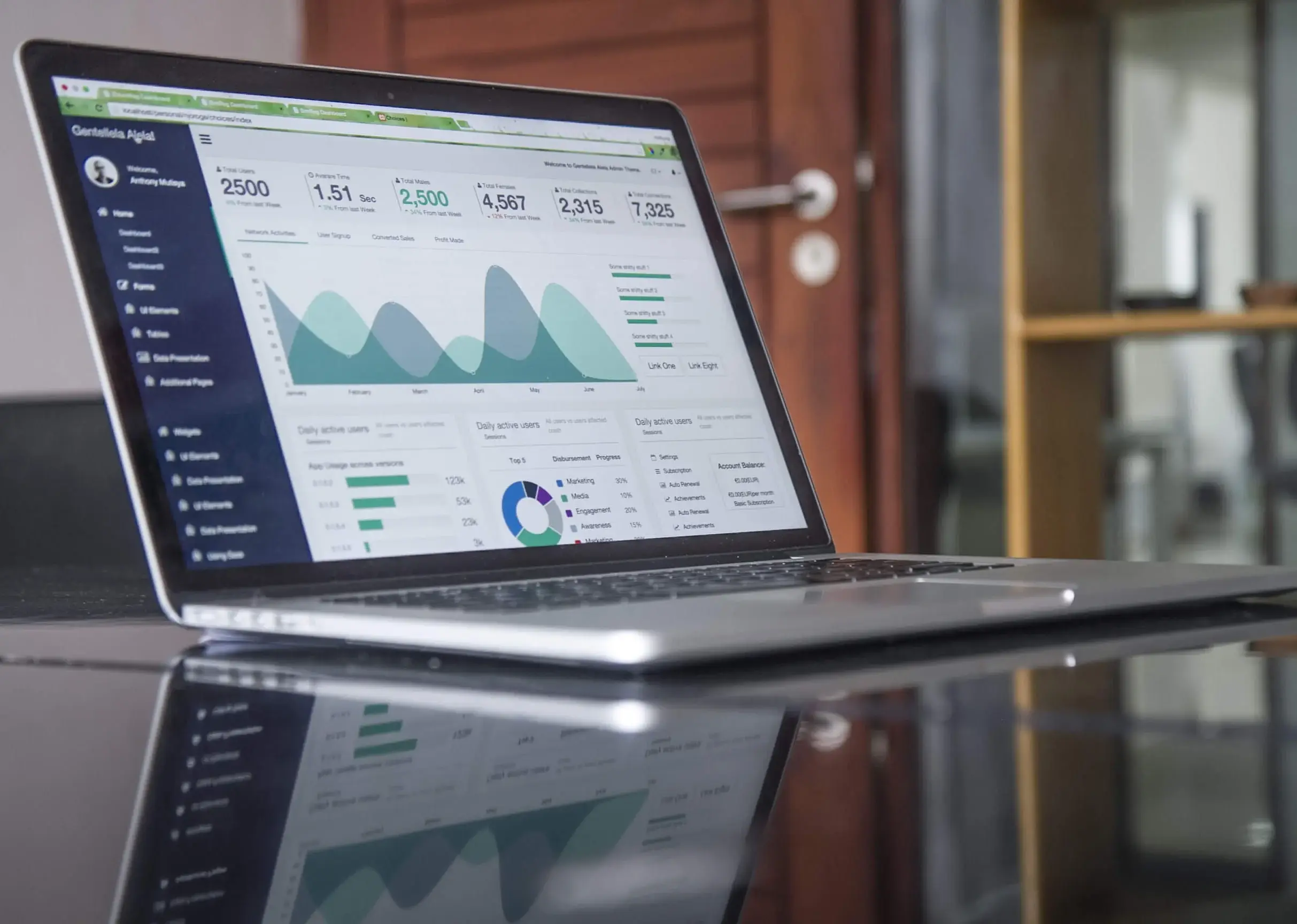
It is important to asses the usage of Office 365 services by your employees well, in order to determine who needs extra quotas or who don’t need an Office 365 license. Here are some useful tips and information about activity reports in the Office 365 Admin Center.
Steps to access the Reports dashboard
- Sign in to https://admin.microsoft.com
- Pick Reports > Usage from the Microsoft 365 Admin Center.
- Choose Select a report from the top of the dashboard.
- You can either choose from a list of available reports or pick an at-a-glance activity widget for more information.
Who can access the Office 365 reports?
- Office 365 Global Admins
- SharePoint Admins
- Exchange Admins
- Reports Reader
- Skype for Business Admins
Steps to view licensing information
- You can view the number of licenses you have assigned and unassigned.
- Go to Microsoft 365 Admin Center.
- Select Billing > Licenses.
- You can also get the list of users based on who is licensed, unlicensed, and guest statuses.
- Go to Users > Active users.
- Filter the list with the Views drop-down box.
How to see the usage information of a single user?
- Service reports allow you to research about the way a user is accessing the service.
- Get the usage report for the service you want to assess.
- Open the report and sort the users according to their name.
- This gives you information about the usage of the service by a single user.
- When you have thousands of users in the list, it will be easier to export the report to excel in order to filter quickly.



.webp)

