
The month of August is a harbinger of good news for Power BI users across the globe it seems. The release rolls out a wide gamut of features that address the top requests from users. Let’s walk through the all-new exciting features!
This is going to be a blog series. So, stay tuned for the upcoming parts!
Exploring the Reporting updates
Print reports through Export to PDF
#1 feature request on UserVoice has undoubtedly been the option to easily print or send report copies to people within your organization. With the new update, you can now export all visible report pages to PDF. Great!
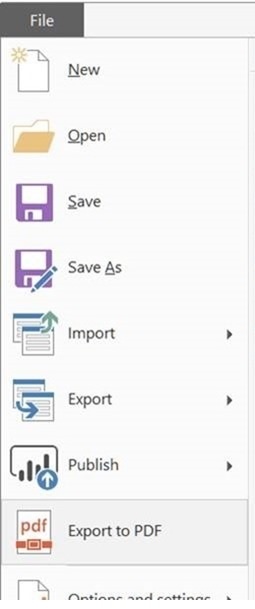
Steps
- Select the Export to PDF option to generate the PDF
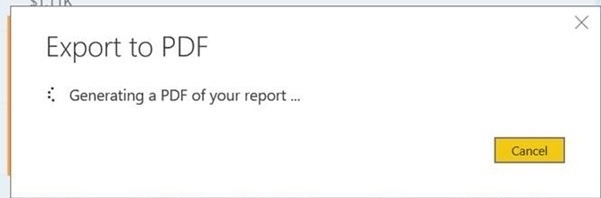
- A dialog box appears letting you know that the PDF is being generated
- While the PDF is being generated, you will not be able to interact with the report
- Cancel the export through the dialog box in case you want to interact with your report
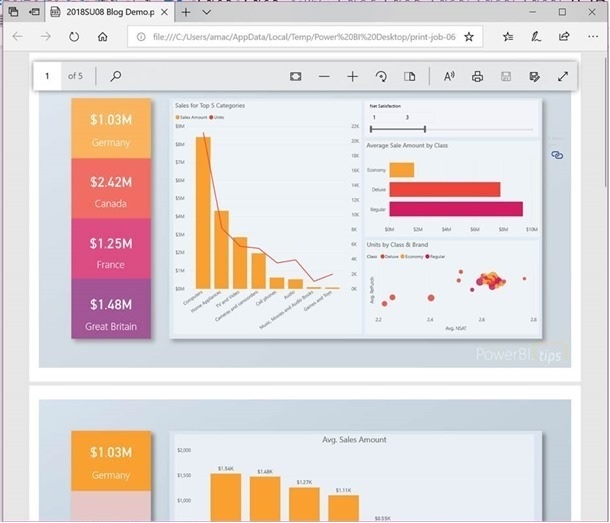
- Once the PDF is generated, you can view it in your default PDF viewer
- From there, you can save the report and print it or email as an attachment
As of now, export to PDF feature is only supported in Power BI Desktop.
Bookmark groups
If you are someone who uses bookmarks extensively then you will love this feature update for sure. You may have separate bookmarks for different purposes like for navigation, presentations, reports, etc. With the new update, you can easily group a set of bookmarks and give it a name.
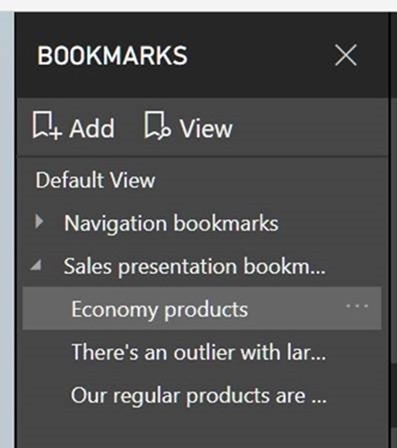
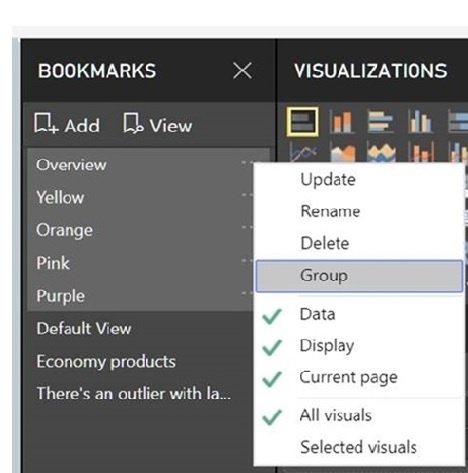
Steps to create bookmark groups
- Click on the first bookmark of the group
- CTRL+click the other bookmarks you want to group with it
- Select “…” menu to group and pick the group option
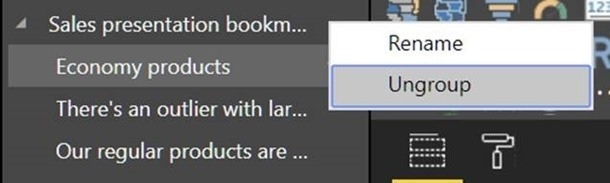
- In case you don't want a group anymore just click Ungroup
PS. While using View to play a bookmark group, it will only incorporate the bookmarks in that group.
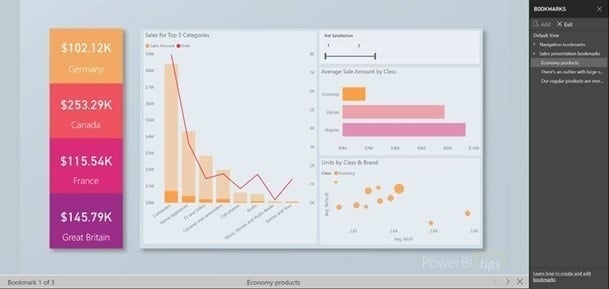
Whereas if use Default View (Playing a bookmark at the root level), you can play through all bookmarks in your pane.
Theming
There are no updates for theming in this edition. There was a major update last month that essentially added support for page level background, visuals properties and wallpaper colors.
Well, that’s a wrap for today! Stay tuned for Part II - Latest Power BI Desktop Feature Updates.
If you have any questions regarding Power BI, SharePoint, Custom Intranet Software and how Dock 365 plays a role in merging platforms together, for a more cohesive user experience - Be sure to give our team of office 365 experts a call or schedule a Free Demo.
Click Below to Schedule a Demo of Dock 365! Your Trusted Corporate Intranet Software System.