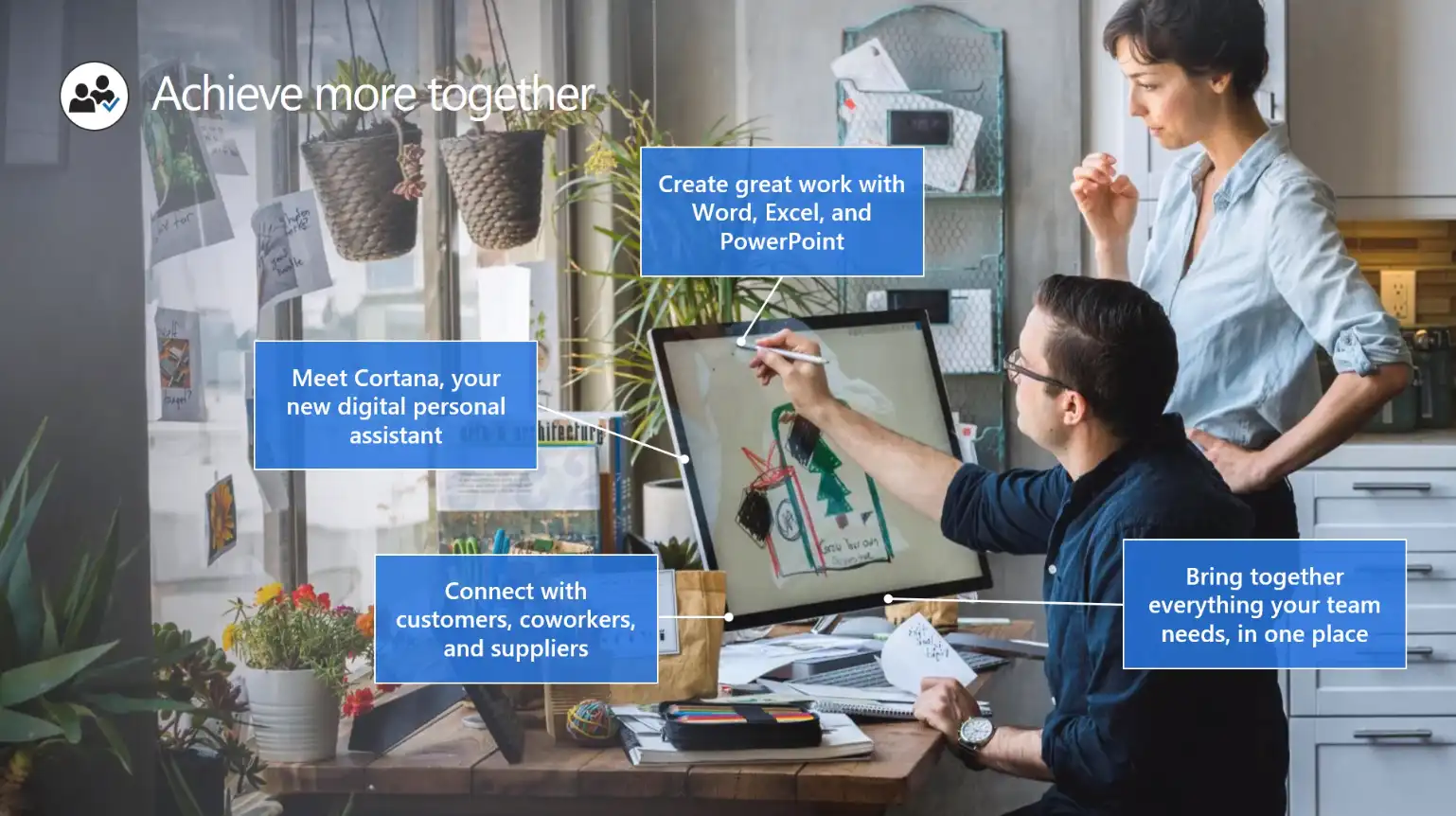
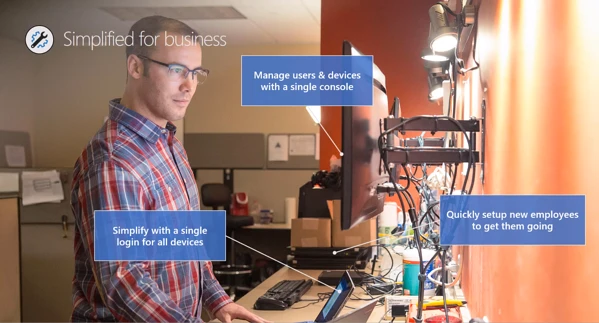
It’s an integrated solution bringing together best-in-class productivity tools, security and device management. It includes a holistic set of business productivity and collaboration tools with the Microsoft Suite to include Word, Excel, PowerPoint, Outlook, OneNote, Publisher and more to help companies accomplish more in less time. In addition, how important enterprise-grade device management and security capabilities. Including a simplified device deployment and user setup.
Microsoft 365 Business can empower your team, safeguard your business, and simplify IT management with a single solution, purpose-built for your business. Achieve more together, anywhere it matters, always-on security and simplified for business to increase employee productivity.
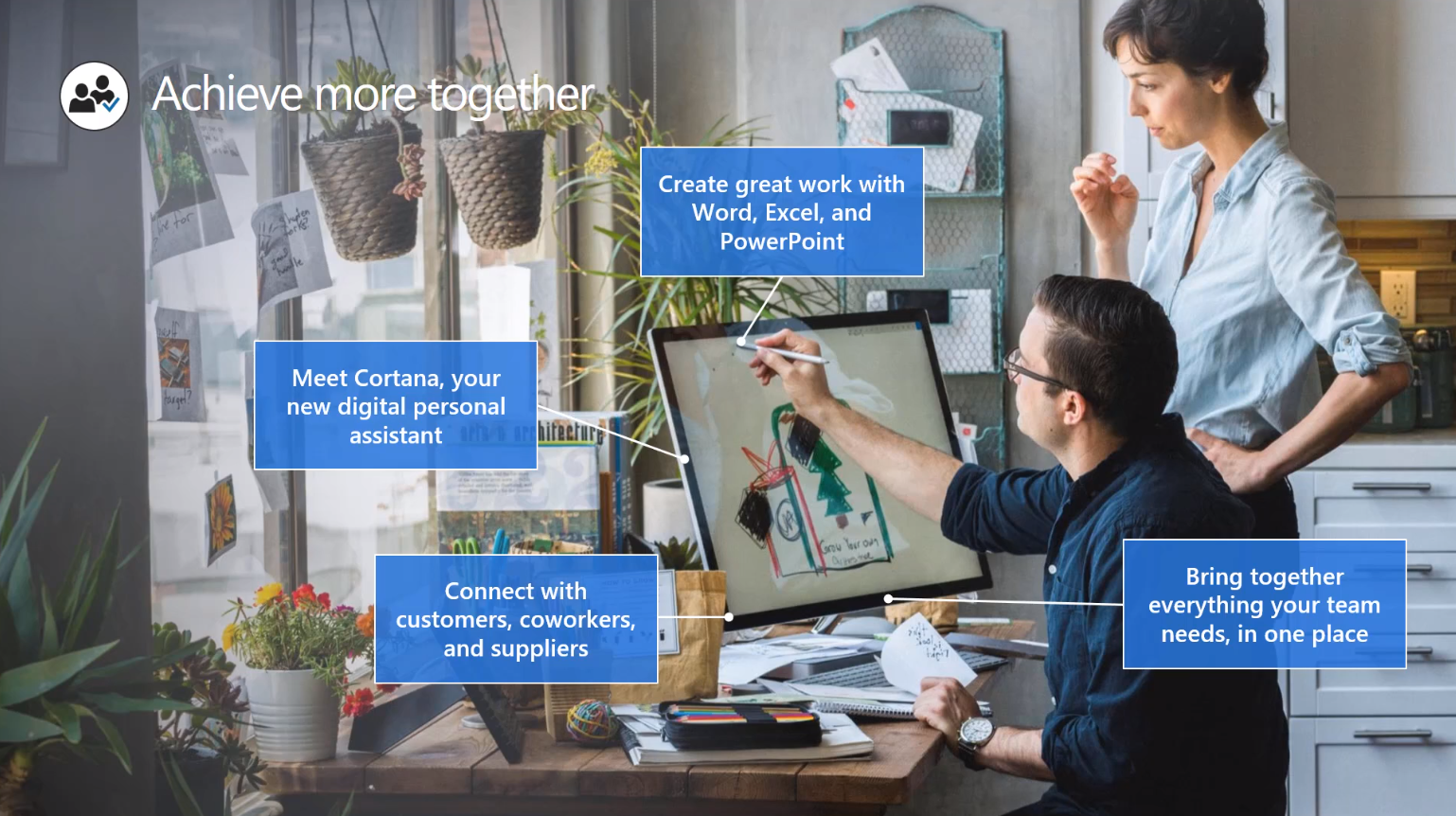
Office 365 is accessible online to help you connect with customers, coworkers and suppliers as needed. You’ll be able to bring together everything your team needs into one place with tools such as OneNote. The first step for any project with OneNote is to make sure your team is familiar with the software. It’s a promising idea to get everyone up to speed before taking on an important project. Moving forward with the idea that your team has access to OneNote and has the fundamentals down, let’s dive into how this software that comes with your Office 365 subscription can boost your productivity with project management.
Read more: How to Use Microsoft OneNote for Project Management
The American remote workforce is growing every year. The increasing affordability of smartphones and tablets, innovations in mobile technology, and increasing productivity by enhancing communications and business workflows makes working remotely easier than ever before. Although telecommuting has its challenges, it has many benefits to improve productivity as well.
Read more: Remote Workforce Challenges and Opportunities with Office 365
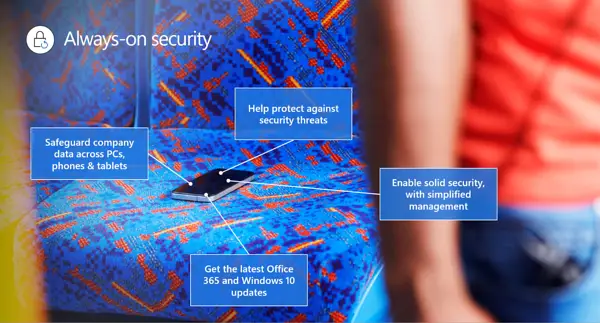
Security Perks:
- App protection for Office mobile apps
- Device management for Windows 10 PCs
- Consistent security configuration across devices
- Protection of company data across devices
- Windows Defender, always-on and up-to-date
With Office 365, Microsoft corporate users can access and share data from anywhere, on any device, and be more productive by using all its collaboration features. On the other hand, it’s easier to inadvertently share sensitive information with others both inside and outside of the company. Read more to learn how Microsoft handles these challenges.
Read more: How to Protect and Monitor Your Sensitive Data in Office 365
Dock is Your Deployment Partner for planning your SharePoint and Office 365 for Business Planning Services Engagement. Send us and email at [email protected] to learn more today.