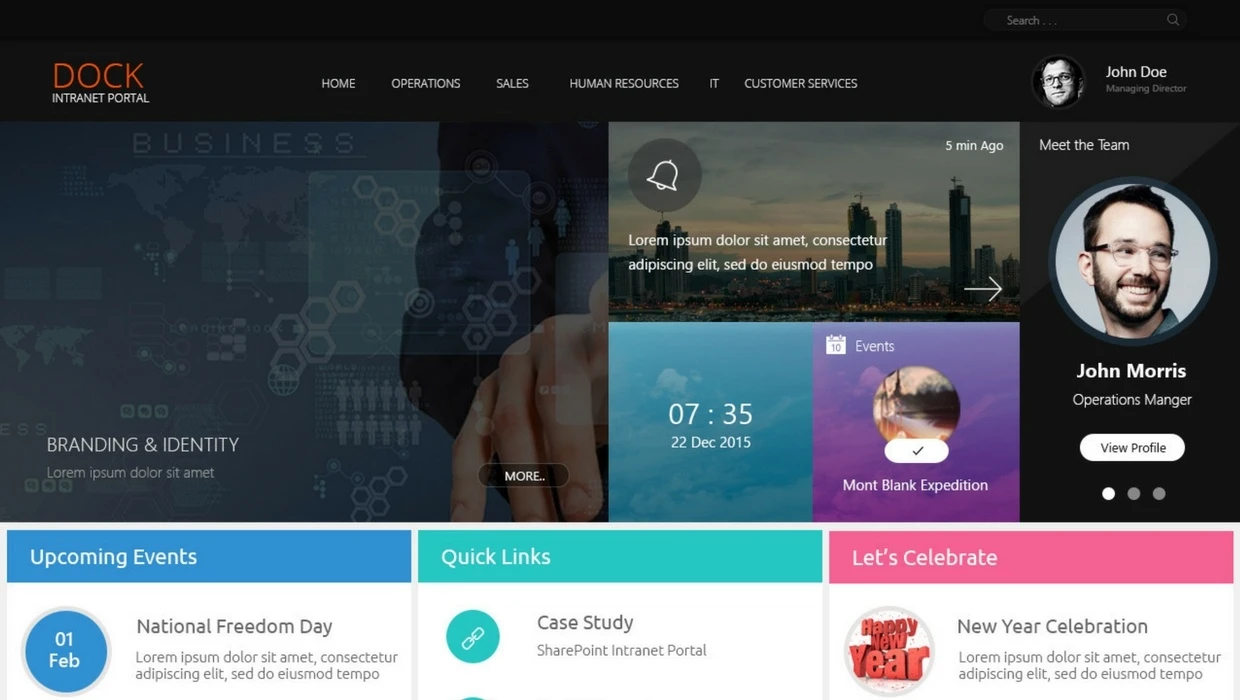
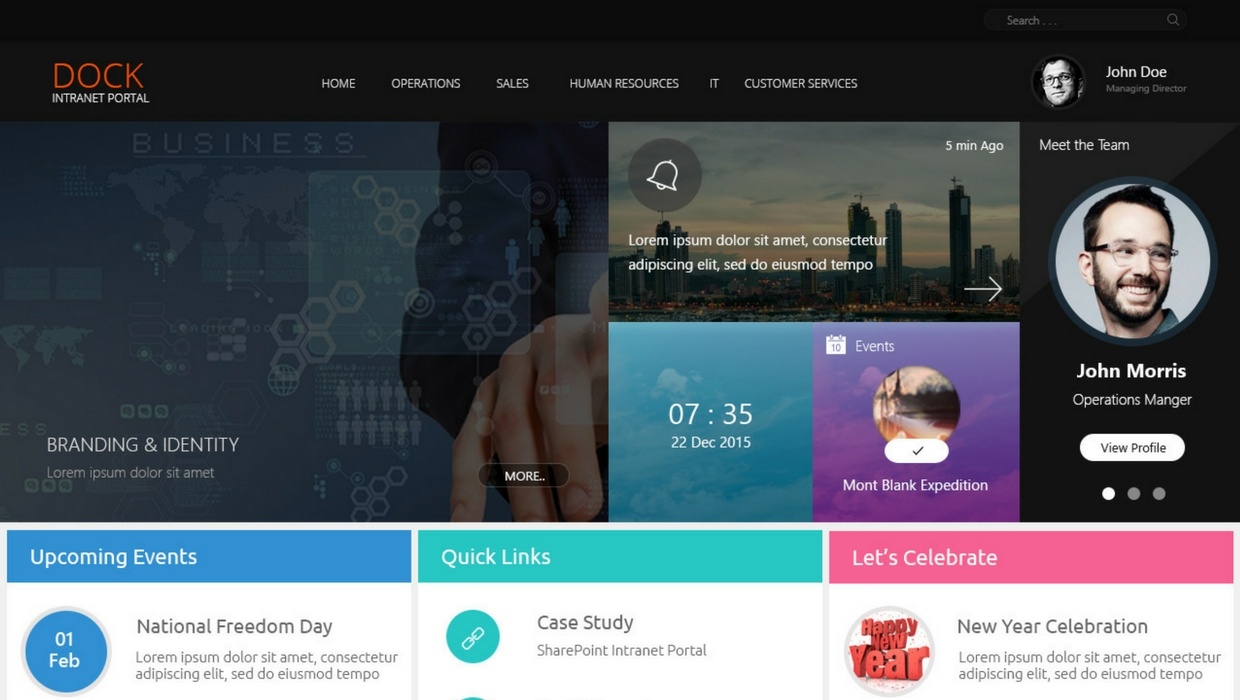
Picking out the design for your brand-new SharePoint intranet is at once the most exciting and difficult step in the implementation process. You want to make sure your intranet turns out beautiful but also completely functional and easy-to-use. How do you manage this? If you’re not a web designer or a SharePoint expert, this is a difficult feat.
So, what are your options? Accept an out-of-the-box SharePoint intranet with the same design as every other company that subscribes? Pay thousands and wait months and months to get one totally customized by a designer? Before Dock, those were the only choices you got.
Dock’s Customized SharePoint Intranet Designs
We know, choosing an intranet is a big commitment. We’ll get to know your business a little then custom design your Dock SharePoint intranet portal and let you take a spin in it.
Unlike most intranets where you take a demo in a generic intranet portal, we show you exactly how yours is going to look, customized for your needs and your brand. You don’t have to imagine how your intranet can look, we’ll show you. Get first-hand experience in your actual intranet portal with a beautiful design.
Other Options
In a rush? Dock is ready to go in just a few weeks (time to customized for your features and do some quick testing, check out our road map to learn more). Dock’s out-of-the-box design is beautiful, functional and easy to use. If you don’t want to wait to see your custom design, we can just right in with a demo as soon as today and customize as we go.
Have plenty of time and resources? A custom SharePoint designer required several months and can run a lot more expensive than turnkey solutions, but for many businesses they may be the best choice. Not sure? Our SharePoint experts can learn about your business processes and give you a quick consultation to decide. If you decide a custom design is the path for you, our parents company Global Infonet can get you on the path to success same-day.
Read more: Choosing a SharePoint Intranet to Transform Your Team Productivity.
Get Started
Ready to get started? Our SharePoint experts will spend a few minutes getting to know your business’ needs and start helping you on your path to success with your beautifully designed SharePoint intranet. Schedule a demo to get started today.