
Great mobile experience is not about shrinking desktop designs. It involves understanding unique mobile designs and constraints as well. Design is becoming the heart and soul of Office 365. Keeping in tune with the design-driven journey, Microsoft introduced exciting updates to Outlook for iOS like swipe and scroll usability, recognizable avatars.
Implementing the core mobile-first design principles, Outlook mobile offers a powerful experience that enables users to get in and out of the app effortlessly.
Without further ado, let's explore the new features
Introducing new sensory feedback
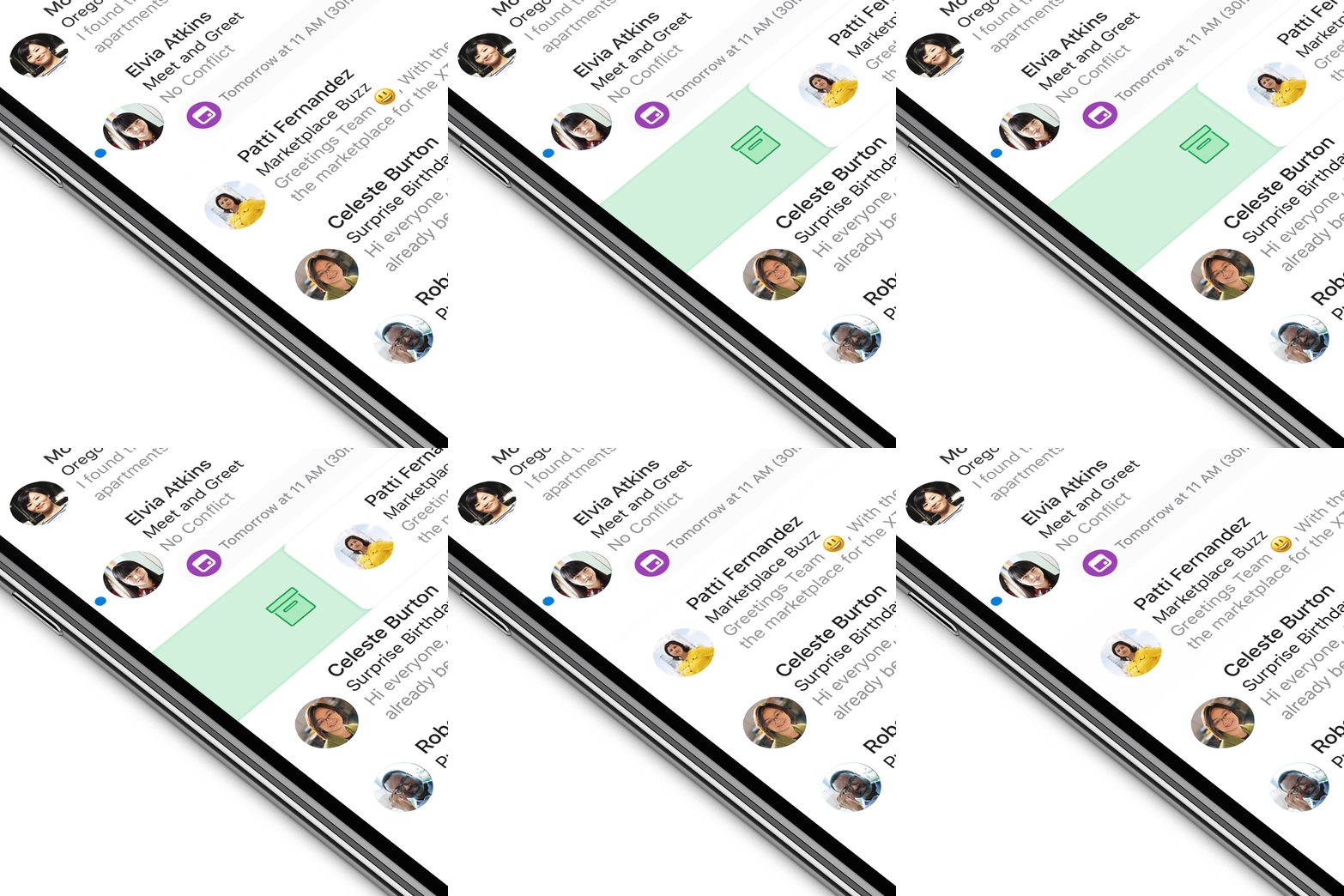
The new sensory feedback in Outlook creates a resonant experience with the device. When a user swipes right or left on an email, subtle changes in terms of color, shape, and iconography can be seen. Further, the corners of the message transform from hard-edged to soft and round.
Improved usability of core experience
The iOS refresh brings improved usability of numerous core experiences. For a user with a single account, the app is personalized with their avatar. In case the user has multiple accounts and is personalized with your avatar. the new update will help users to easily switch between them. Bright, bold avatars have been added to contacts so a user can instantly identify and recognize Bright, bold avatars are added to contacts so that a user can instantly identify top contacts in search, senders in the message or attendees in meeting invites.
Vibrant user Experience
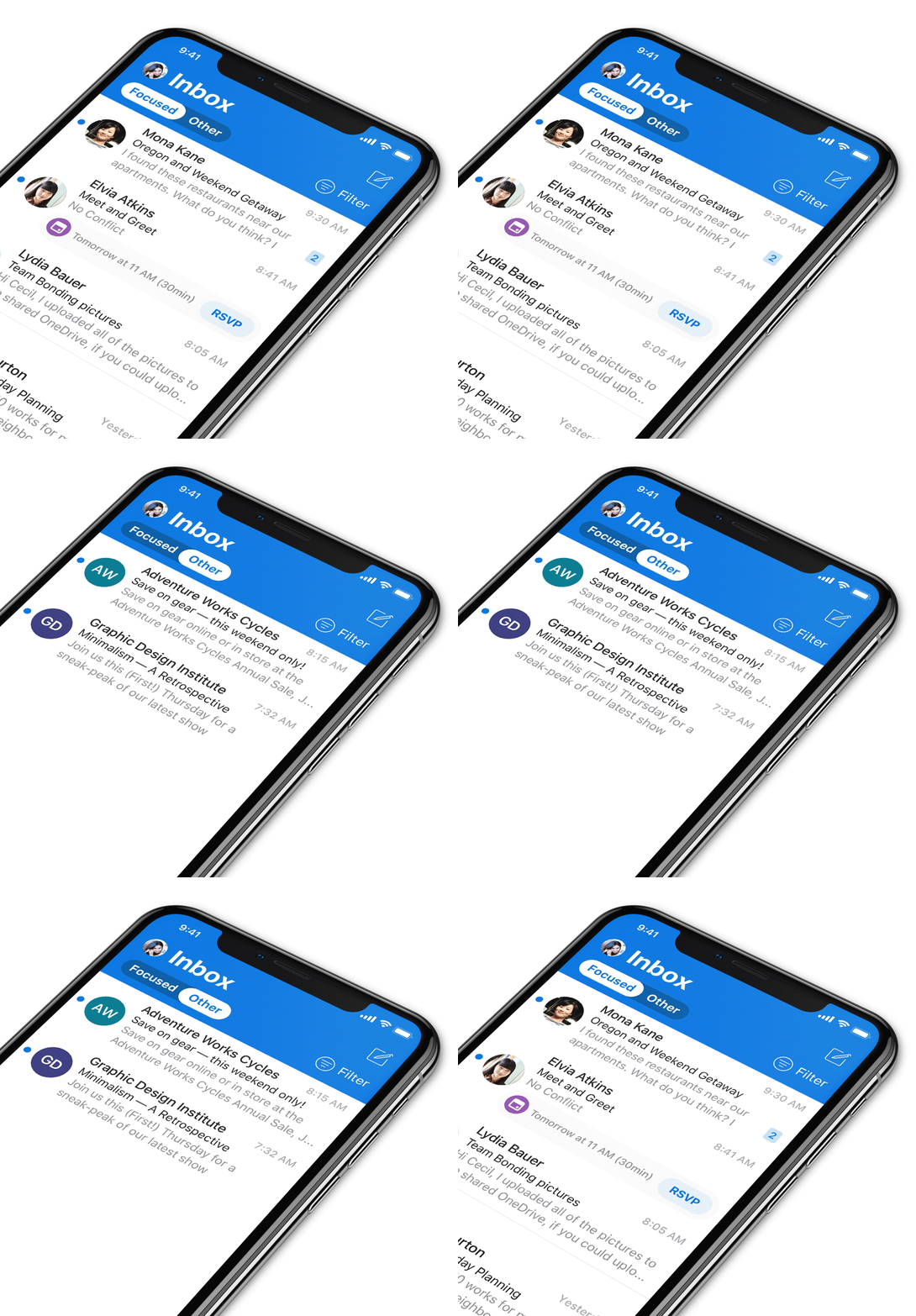
With the understanding that people use numerous apps on their devices, Outlook for IOS utilizes bold color. It comes with a strong app header,typography that enables users to easily identify Outlook while switching between apps.
Powered by Office 365 and SharePoint, Dock ensures seamless collaboration no matter whether your employees are separated by a few cubicles or a few thousand miles. It is not just a secure intranet platform for your organization but a platform that enables your employees to innovate, discover, organize, collaborate, communicate and connect effectively anywhere at any time on a device of their choice.
Schedule a no-obligation Demo Now!