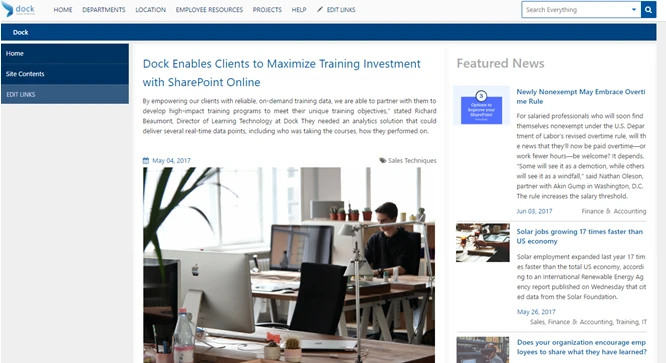
We’re very excited to announce the newest feature to Dock’s customized SharePoint intranet: News and Announcements. The news and announcements feature is a portal where you can share longer-form news and announcements to your team.
It’s as easy to use as your regular social media posts and the result is beautiful and engaging. Here is a quick guide to get you started:
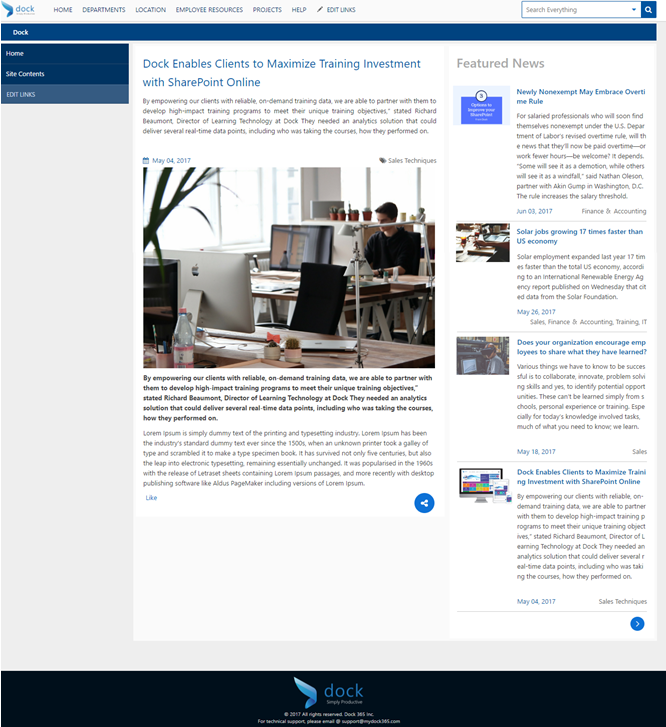
What is the News and Announcements Feature?
This new feature creates a company-wide place to share important or exciting announcements to your team. These posts will generally be longer form and can include customization and images. When you click into the news portal you’ll recognize the familiar feel of news blogs. The blogs can be tagged by department or keyword to make them easier to search and discover.
How do you use it?
We made posting news and announcements easy. Simply click into the news and announcements portal from the home page and then click the green plus sign toward the bottom of the screen. From here, posting looks very similar to your normal social media and blogging platforms. Simply enter your text, upload your images and select your categories. It’s that easy.
If you can post to Facebook you can post your news, there’s no technical knowledge needed.
The news and announcements features has all the features you’re used to in a news sharing platform. You can like and share your favorite company news with other team members. Articles are tagged by department to make them easier to search for.
At Dock we’re growing and introducing new features every day. Want to learn more about how Dock’s newest features will help grow your employees into a more efficient and productive team? Get in touch with Dock’s SharePoint experts today to get started.