.webp)
As the business landscape becomes more competitive, the pressure for companies to become more innovative, cost-effective and productive is increasingly evident. Good communication between team members has been proven to be essential to strengthening teamwork and improving ingenuity and productivity.
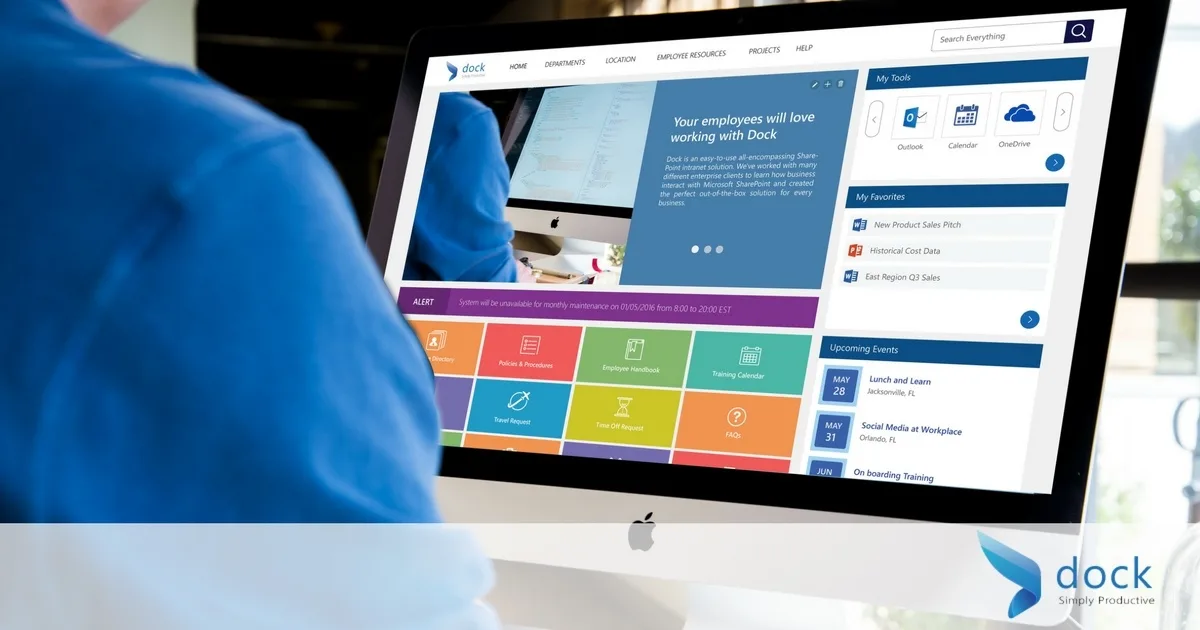
Teamwork is crucial to the success of a business. A SharePoint company intranet improves teamwork by allowing team members to share different sources and ideas based on their expertise over a more secure network. This allows team members to bring together a wealth of diverse skill sets and to work cooperatively, unencumbered. Properly implemented, an intranet with SharePoint can improve employee collaborative efforts, and streamline business-operating practices.
Telecommuting or working from home has proven to be very cost effective, especially for smaller organizations and start-ups. Yet, many companies are still hesitant to convert some of their team members to remote workers due to security concerns. Utilizing SharePoint allows employees to work together and share information, while protecting vital company information over a secure intranet, regardless of their physical location. The added benefits are cutting costs, increasing productivity, refining workflow, and improving communication.
Need more details on how specifically SharePoint Intranet can benefit your company?
First it can eliminate information loss due to unexpected employee turnover or staffing changes within your company. Additionally, it reduces time spent locating information between different departments and team members. It also, enables employees to work remotely, increasing your potential to obtain highly skilled employees without geographic limitations, as well as opening up opportunities for those who are differently abled or require certain accommodations. Reduces email clutter, unnecessary backlogged data and weeds out duplicate files, which can take up valuable storage real estate. If your business is automating certain business operations, SharePoint intranet can assist with this process, as well.
SharePoint QuickStart is a guide that is designed to accelerate adoption of SharePoint. In addition to SharePoint, Microsoft also offers and array of robust business tools including Yammer, Stream and Microsoft Teams that can amplify employee engagement and help customers and clients improve communications. Business organization leaders can improve connections from the back end to the front line and lead their employees and team members to demonstrate increased value and benefits for customers. In turn allowing for customers to adopt and create communities and a following that will supercharge their businesses.