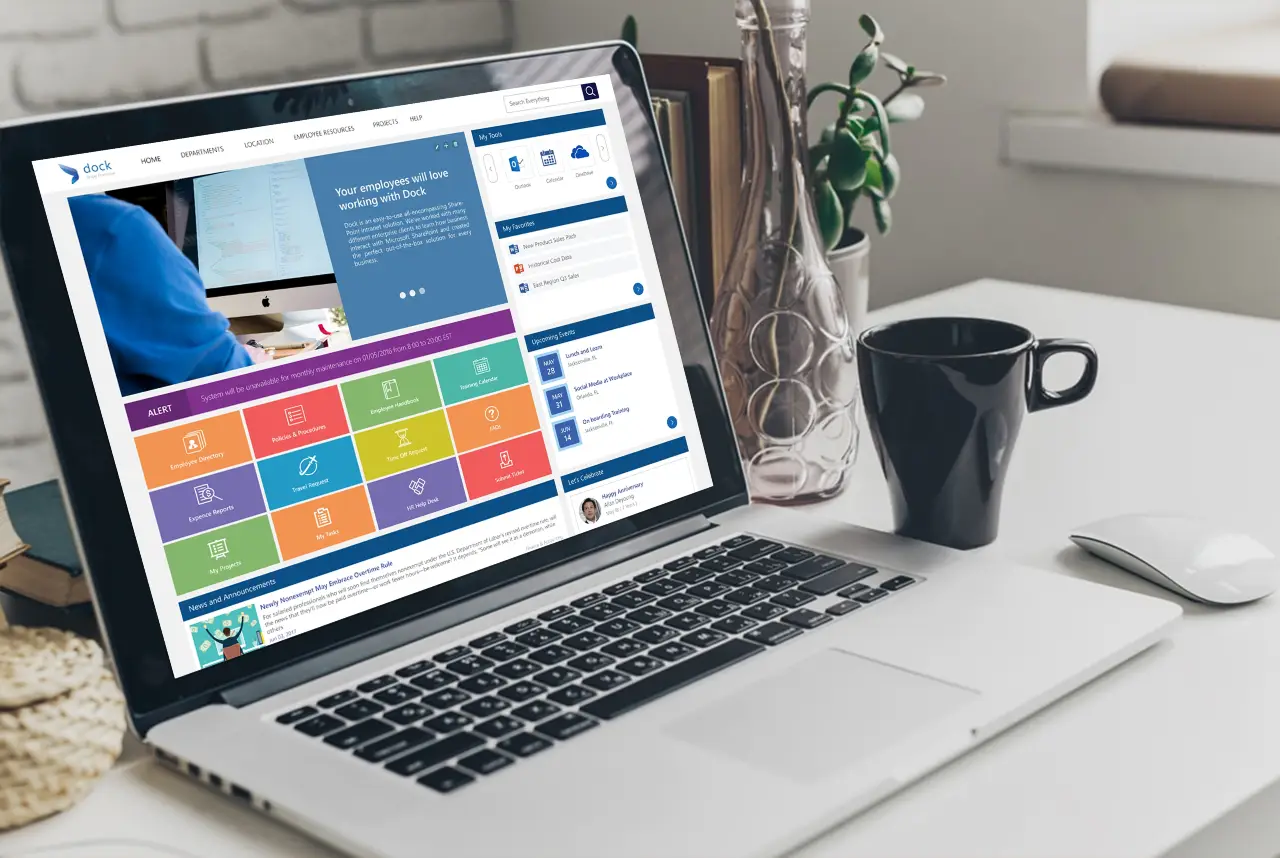
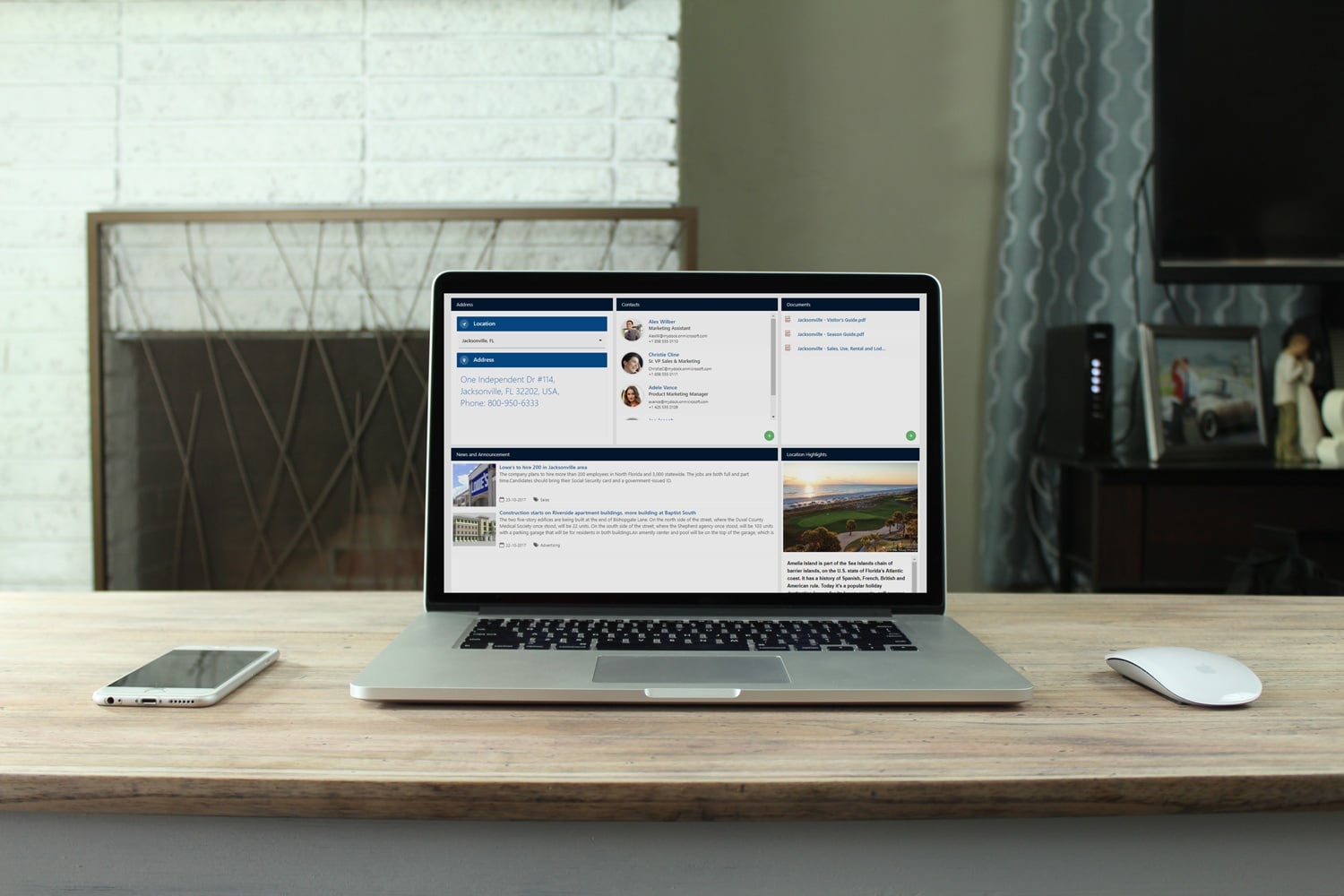
Most businesses know they need to create content for their employees but how do they know the right people will see it? Using SharePoint online with Dock, content targeting is a powerful application your company can tap into to break through the CMS intranet portal’s clutter. This is where your SharePoint intranet portal benefits come to play.
With content targeting specific audiences, your content will display through creating lists or library items, navigation links and other content. When you want to present information that’s relevant to a particular group of people within your company. For instance, you’ll have the capability to add content to a document library that’s only visible to the marketing department.
How does content targeting work?
An audience can be identified by using SharePoint groups, distribution lists, or security groups within your intranet software. Below is an example of how to target the items from a specific list where the list type is a document library. In addition, the Content Query Web Part allows you to see the items from a site and its subsites as well as showing items from all sites in a site collection. This allows you to build a query to include the audience content targeting that you set on the items in the sites or site collection.
Targeting site navigation links to audiences:
To simplify the user experience so they see only the navigation links that are relevant to them you must first identify a target audience. Here are some suggestions you can use one or more of the following:
- SharePoint groups
- Distribution lists
- Security groups
- Global audiences
Targeting items from a list or library to a specific audience requires three steps:
Step 1: Enable audience targeting on the list or library. When you enable audience targeting on a list or library, you can target each item in the list or library to an audience.
Step 2: Specify the target audience on the items. After you enable the list or library for audience targeting, you can set individual items in the list or library to be displayed to one or more audiences.
Step 3: Display the item in a Web Part for SharePoint 2016, 2013, 2010 or 2007. To display a SharePoint list or SharePoint library item to a specific audience, you can use the Content Query Web Part. The Content Query Web Part allows you to build a query that can filter list and library items.
How to target a Web Part to an audience:
In order to target only the people who are members of a set group or audience using SharePoint Web Parts within your employee intranet to create customized pages for these specific groups. You can identify an audience by using SharePoint groups, distribution lists, a security group or a global audience. In addition, you can target a navigation link to an audience. To create a navigation link on a SharePoint server that can be targeted in such a way that it appears only to people who are members of a group or audience. Also, note that you’ll need to have design admin permissions to modify the site navigation settings.
Learn More: SharePoint is the Top Content Management Solution
Our SharePoint developers offer over a decade of experience helping businesses create your SharePoint intranet portals with adding easy-to-use online collaboration tools, HR portals, company portals, employee portals and much more for your SharePoint site. Schedule a demo today to learn more about how Dock can create a custom content targeting, offer SharePoint templates, assist with SharePoint app for your businesses at an affordable price.