
Microsoft has been recognized as a leader in Gartner Magic Quadrant for content services through a commitment to their customers. They’ve recognized that Microsoft is leading in content capabilities for businesses. This includes specifically in simplicity in setting up, content services across Office 365, support, personalized search and intelligence, scalability of business sizes, security in IT, deployment flexibility, and cloud leadership as well as compliance in security.
According to Gartner, “Content services platforms are the next stage of enterprise content management, representing a shift from self-contained systems and repositories to open services.”
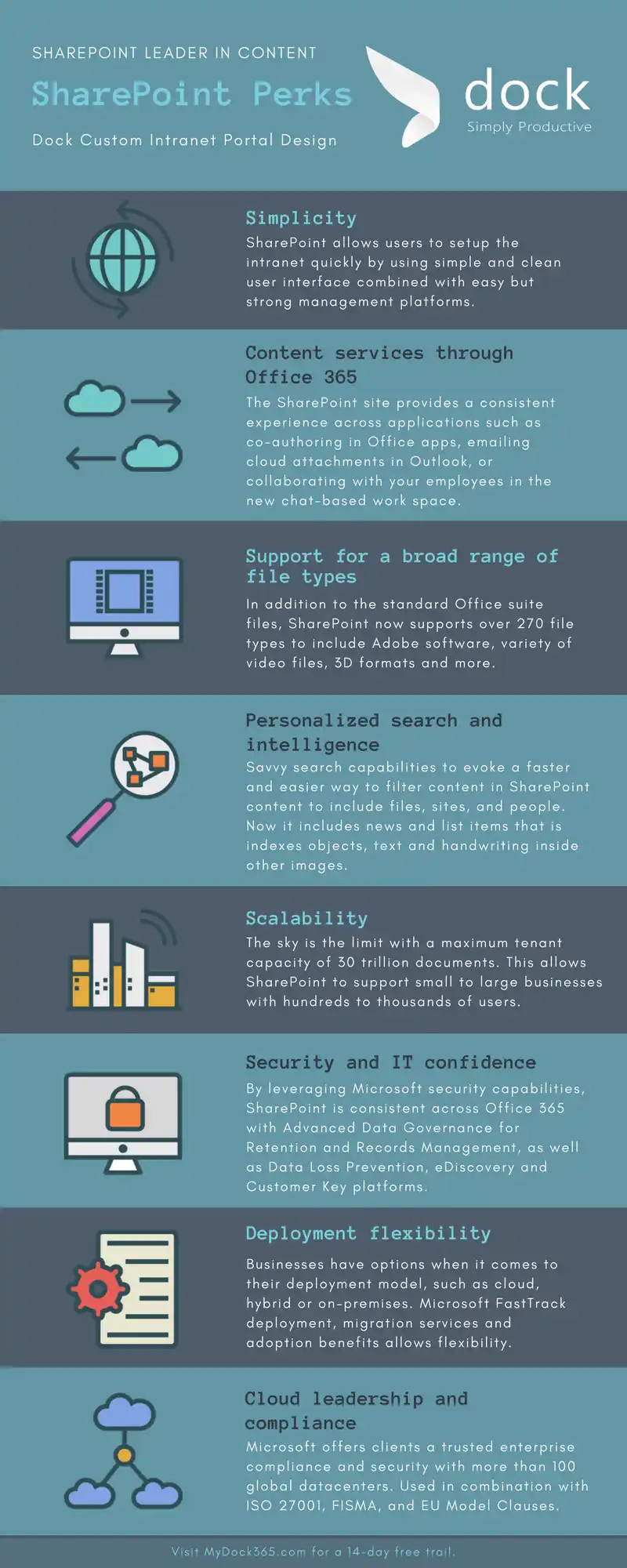
Shareable Infographic: SharePoint Leader in Content
Content Management System Intranet Details:
- Simplicity: SharePoint allows users to setup the intranet quickly by using simple and clean user interface combined with easy but strong management platforms.
- Content services through Office 365: The SharePoint site provides a consistent experience across applications such as co-authoring in Office apps, emailing cloud attachments in Outlook, or collaborating with your employees in the new chat-based workspace. As well as providing security and control for your IT department.
- Support for a broad range of file types: In addition to the standard Office suite files, SharePoint now supports over 270 file types to include Adobe software, variety of video files, 3D formats and more.
- Personalized search and intelligence: Savvy search capabilities to evoke a faster and easier way to filter content in SharePoint content to include files, sites, and people. Now it includes news and list items that is indexes objects, text and handwriting inside other images.
- Scalability: The sky is the limit with a maximum tenant capacity of 30 trillion documents. This allows SharePoint to support small to large businesses with hundreds to thousands of users.
- Security and IT confidence: By leveraging Microsoft security capabilities, SharePoint is consistent across Office 365 with Advanced Data Governance for Retention and Records Management, as well as Data Loss Prevention, eDiscovery and Customer Key platforms.
- Deployment flexibility: Businesses have options when it comes to their deployment model, such as cloud, hybrid or on-premises. Microsoft FastTrack deployment, migration services and adoption benefits allows flexibility.
- Cloud leadership and compliance: Microsoft offers clients a trusted enterprise compliance and security with more than 100 global datacenters. Used in combination with ISO 27001, FISMA, and EU Model Clauses.
SharePoint Intranet Portal Benefits:
The foundation of SharePoint is delivering content services for Office 365 for your business. With proficiency in creating, protecting, reusing information and sharing within your company intranet portal. SharePoint exceeds storing documents by hosting digital content such as videos, images, pages, designs, medical scans in addition to traditional documents. SharePoint is powerful with the capability of managing content on any device for any user in any location with an Internet connection.
Want to learn more about how Dock for SharePoint and Office 365 can transform your business productivity and communication? Click the button below to find out!