Gone are the days when restrictive cubicles epitomized work spaces. In this digital time and age, not just workplaces but workforce is also evolving. They are no longer restricted to the four walls of a office space but spread across numerous locations. For any organization, employee communication and collaboration is vital to achieve success. The same applies for financial institutions like Credit Unions.
Not just physical separations but employees within the same organization are separated by projects,departments and teams. This creates an invisible barrier hindering communication between employees across the organization. These barriers have detrimental impact on the day-to-day activities of credit unions as well as employee engagement, productivity and revenue.
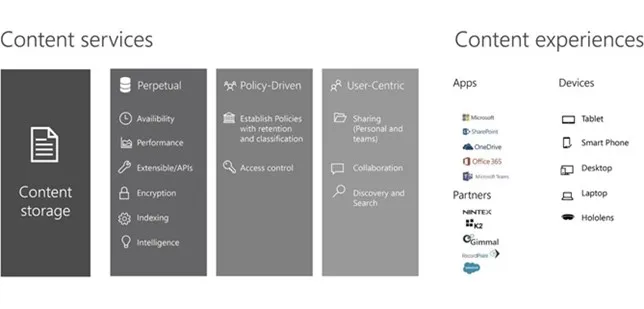
For every financial institution, the need of the hour is to implement an effective tool to ensure employee communication and collaboration. Microsoft SharePoint is all you need. The platform comes with endless potential when it comes to employee collaboration. Let's explore.
Around-the-clock Collaboration
With Microsoft SharePoint Online, your employees are connected irrespective of the time or location. They can easily communicate, collaborate, share ideas, knowledge, content on the move no matter whether they are in the office or at the beach. Further, the offline feature ensures that all the data is automatically synchronized between SharePoint Online and a PC whenever a network connection is available
Libraries to the rescue
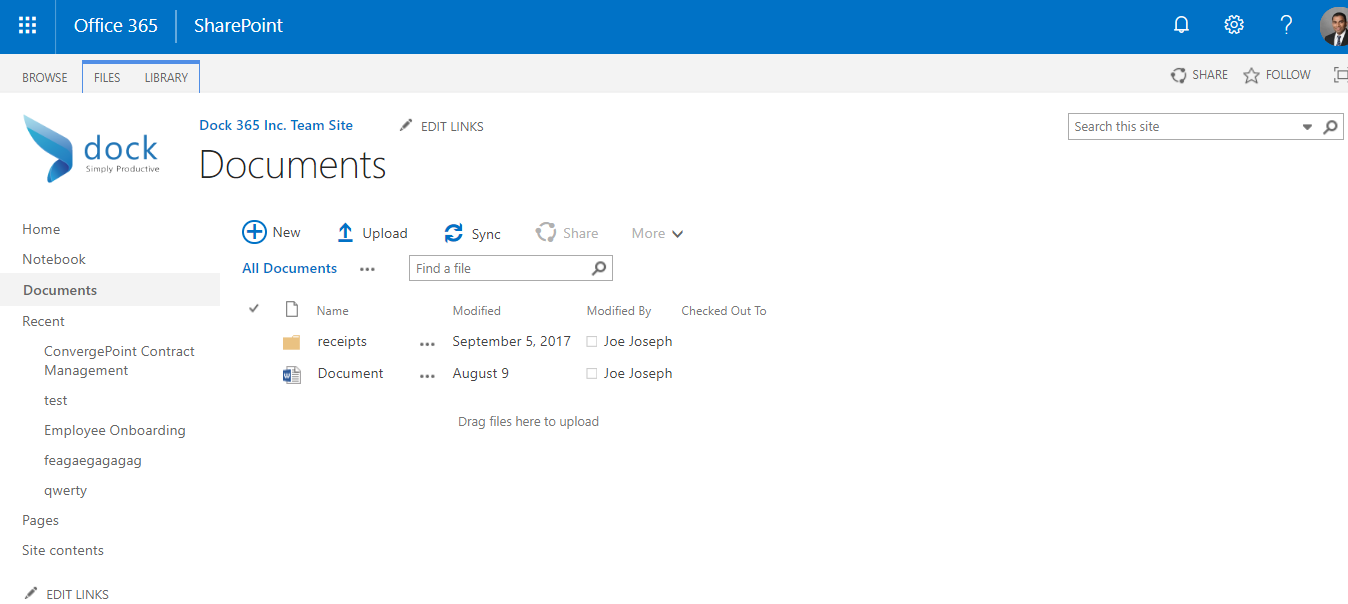
You no longer need to wade through scores of irrelevant documents to find what you need. SharePoint document/form/picture/wiki page library is all you need. Not only can you organize your documents but also control access thus ensuring secure access to crucial documents.
Team sites
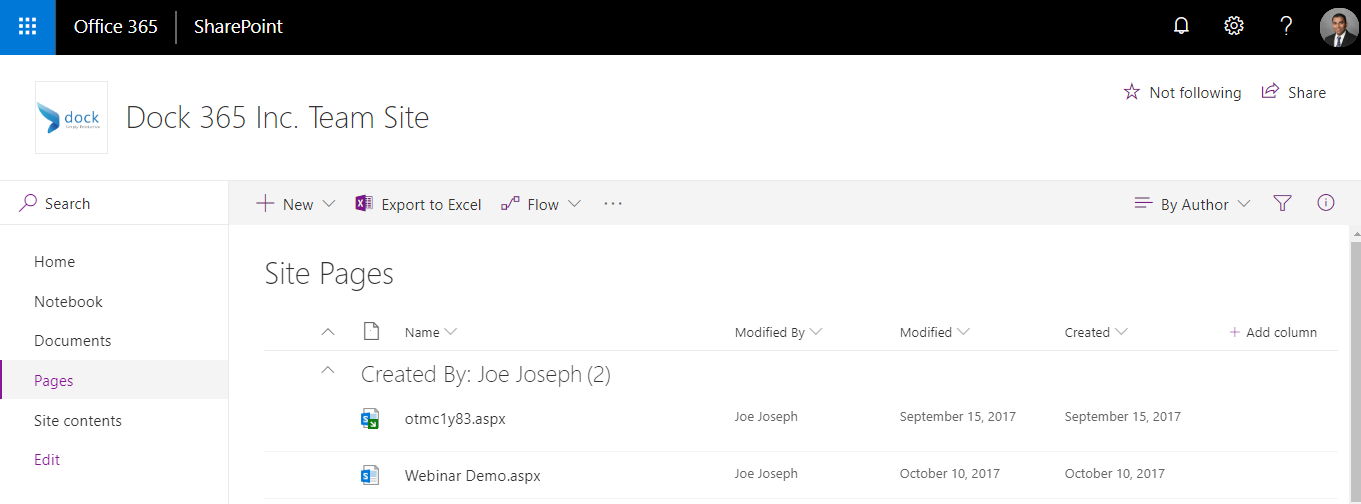
Team sites come handy when you need to pool resources working on a project. They can share documents, ideas, track status, collaborate on the project in this space.
Community sites
Community sites can help your employees when they need help or support from the bigger community.They can post queries, share news, reports, statuses, and other information in a visually compelling format.
Co-authoring documents
SharePoint offers a real-time co-authoring feature. Bid adieu to the conventional methods of multiple employees collaborating on the same document resulting in conflicting versions of the same document. Your employees can now collaborate online and see changes as and when they are made. In addition, get alerts whenever a change is made to the document.
Surveys with SharePoint
Communication should always be a two-way process whether it is internal or external. Sharing information with employees and keeping them updated paves way for higher productivity. In the same way, for an organization to thrive it essential that you take inputs from the employees. Similar to discussion board, surveys can also be easily created in SharePoint to pool in as may feedback as possible.
Take your business to the next level with Dock 365. An intranet portal built on SharePoint and Office 365. Dock is customizable with many add-on capabilities & integrations to meet the diverse requirements of financial institutions.
Schedule a Free Demo Now!