How do you Empower Mobile Workforce?

To capitalize on the benefits of a mobile workforce, there are some key questions businesses are asking today. Read the blog to learn more!

Today, we all need more flexibility to get our work done wherever we need to be, whether in the office, at home, or on the road. To capitalize on the benefits of a mobile workforce, there are some key questions businesses are asking today:
dock_mobility.png
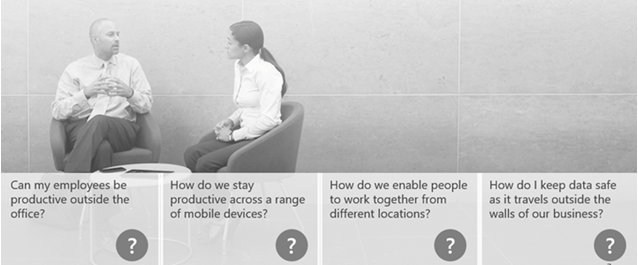
  • With employees increasingly working outside the office, how can I give them the tools they need to be productive?
  • And as they use a growing range of mobile devices to do that work—from PCs, to laptops, to tablets and convertibles—how can they stay productive as they move from one device to the other?
  • With employees working in different locations, how do we provide the tools for them to work together?
  • And how do I keep company data protected after it walks out the door?
dock_intranet_productivity.png

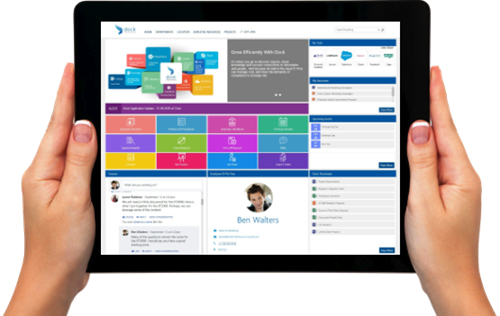
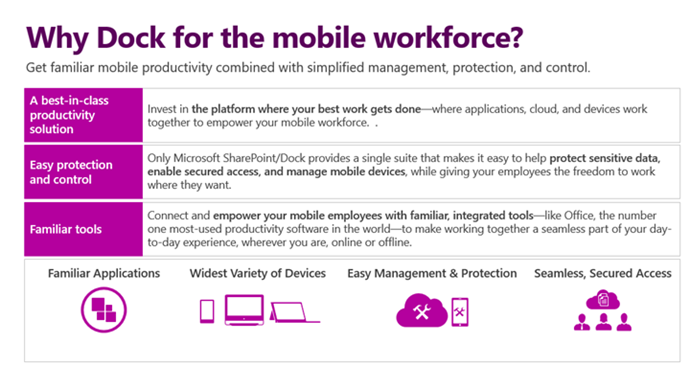
With Microsoft SharePoint and pre-built Dock Intranet Portal, you can have everything your employees need to get their jobs done from wherever they need to be. Whether they need to get to their latest files and applications, or connect with their team—Microsoft SharePoint/Dock offers a flexible, familiar platform that offers the best of mobile productivity, combined with the protection and control your business needs.

With Dock Intranet Portal built on Microsoft SharePoint platform, you can:

  • Have all the tools you need to do your best work anywhere
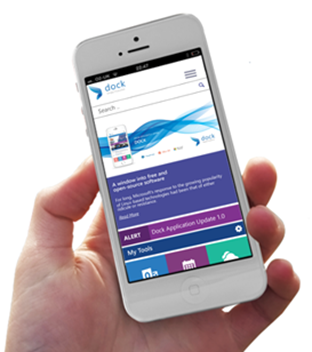
  • Get a familiar experience across PCs and mobile devices
  • Connect with your team and work together, wherever you are
  • Protect your business data, wherever it goes
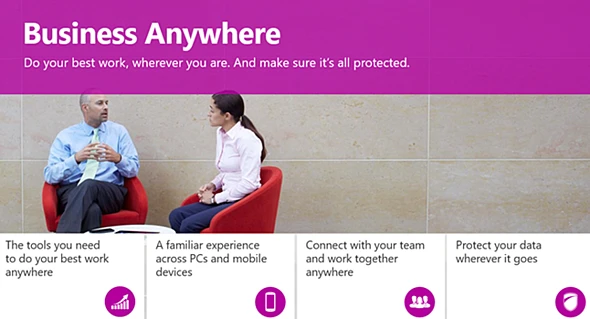
dock_intranet_business_anywhere.

dock_tab.png

dock_mobile_workforce.png

Table of contents

Read more blogs

See all

SharePoint & Microsoft 365 (Product Tips & How-Tos)

How to Add, Edit and Update Page Details in SharePoint

Learn how to add, edit, and update page details in SharePoint. Read the blog now to make your SharePoint page properties clear and precise.

Read more

AI, Automation & Innovation

ChatGPT For Lawyers: Is It The Future Of Legal Work?

AI is transforming how the legal industry approaches research and drafting. Join us as we explore the exciting potential of ChatGPT for lawyers.

Read more

SharePoint & Microsoft 365 (Product Tips & How-Tos)

12 Rules to Choose Quality Management Software for Businesses

Increase the overall performance of your organization with an effective QMS system. Know the 12 rules to choose quality management software for businesses.

Read more

Less time on contracts, complete control over them.

Automate contract tracking and renewals, connect every agreement to its vendors, invoices, and projects, and get full visibility with enterprise-grade security built in.

Our contract process didn't fit neatly into the rigid workflows offered by many vendors.

Dock 365 was the last vendor I looked at, but it quickly became clear it was the right fit

Jennifer McGaffey

Legal Operations Manager, Short Elliott Hendrickson