Time to say yes to improved intranets. Re-imagine it by buildng with SharePoint and Microsoft 365. With new announcements at Microsoft Ignite 2018, intranet is going to pay better roles in your workspace by creating better employee experiences, harnessing collective knowledge, engaging employees and much more.
There are countless benefits when it comes to building your modern intranet using SharePoint and Office 365:
- Lower IT and development costs
- Increase business speed and agility
- Better informed employees
- Improve employee engagement
- Increase overall productivity
- Better collaboration
Let’s get started
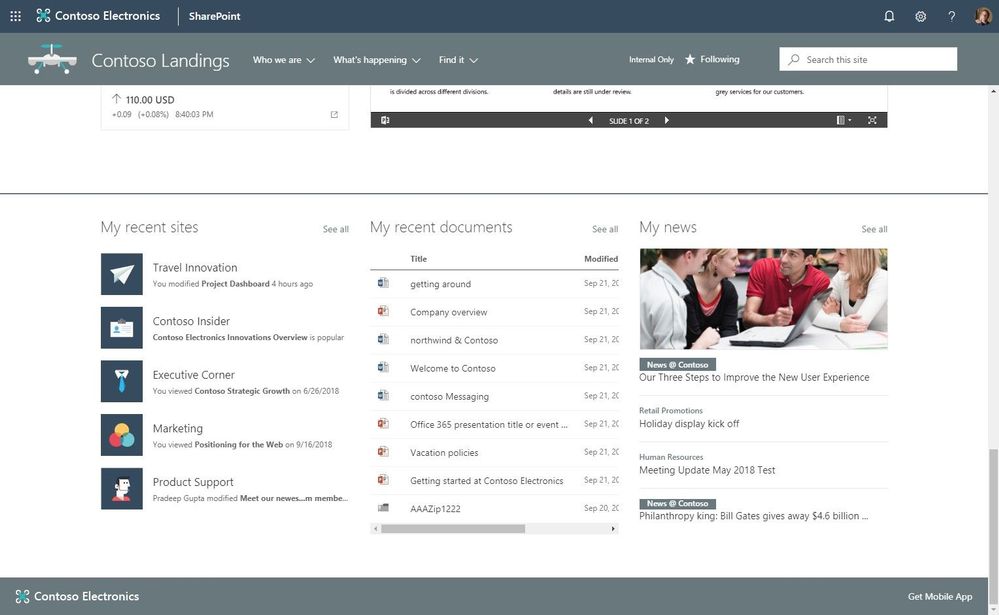
Say yes to Personalized web parts
- Get ready to impart your site and page visitors a personalized experience.
- When a personalized web part is added to a page, it is designed to give the signed in user a relevant and unique experience
- While using personalized web parts, you will see recent documents, sites and news tailored specially for you.
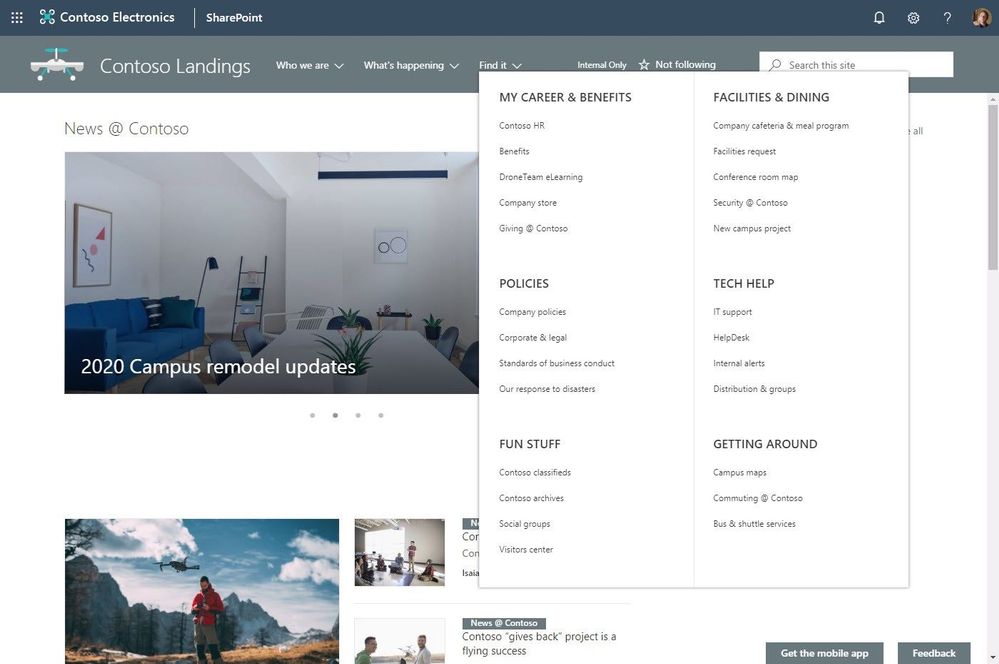
Explore New megamenu layout for site and hub navigation
- Better organize and showcase sites and content associated under a hub site
- You no longer need fly-outs with the new megamenu options you can now incorporate multiple levels of hierarchy at once
- Enjoy increased value and space of your site navigation
News and Highlighted content web parts come with Audience targeting
- Define, configure and target news and pages using Audience targeting support to reach a specific set of visitors using Office 365 groups.
- Complying to what you want them to view, each visitor will have a unique experience.
- You no longer need to create multiple audience-specific sites, serve them with a personalized and targeted experience from a centralized location
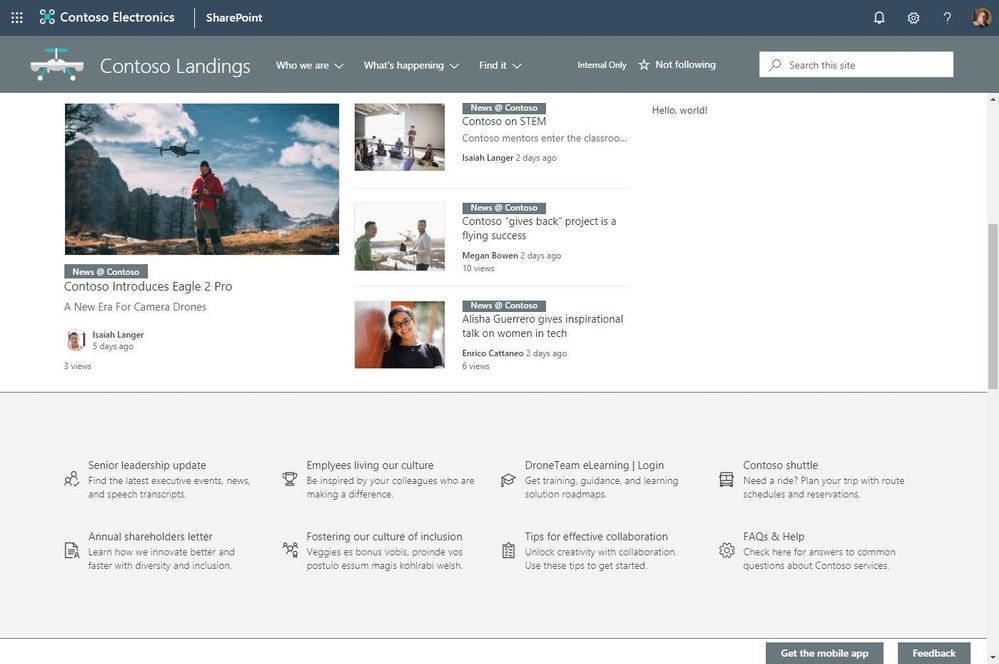
SharePoint News is an incredible content distribution system. It works across all modern sites in SharePoint including communication sites hubs, Team sites. And it enables customers to get their content to the right audience even if it is published on the internet.
Sites
Header layouts
Site owners can now retrieve vertical space at the top of the site and add headers. They can choose from three options:
- Standard
- Minimal
- Compact
Footers
- Now add footers in your site to highlight information at the bottom of your site.
Web part
Countdown timer
- Let everyone see how much time is left until an important launch date, crucial meeting or when a campaign ends on your homepage, hub sites, communication sites, team sites wusing countdown timer.
- All you need to do is add the web part to your page or news and enter the time to count down to and target date.
Enable communication at the root site
With the new support, communication sites will get provisioned at the root site for new tenants by default.
Want to build a successful intranet for your business? We offer pre-built customizable SharePoint intranet software ideal for enterprise level solution.
Learn more, schedule a free demo now!