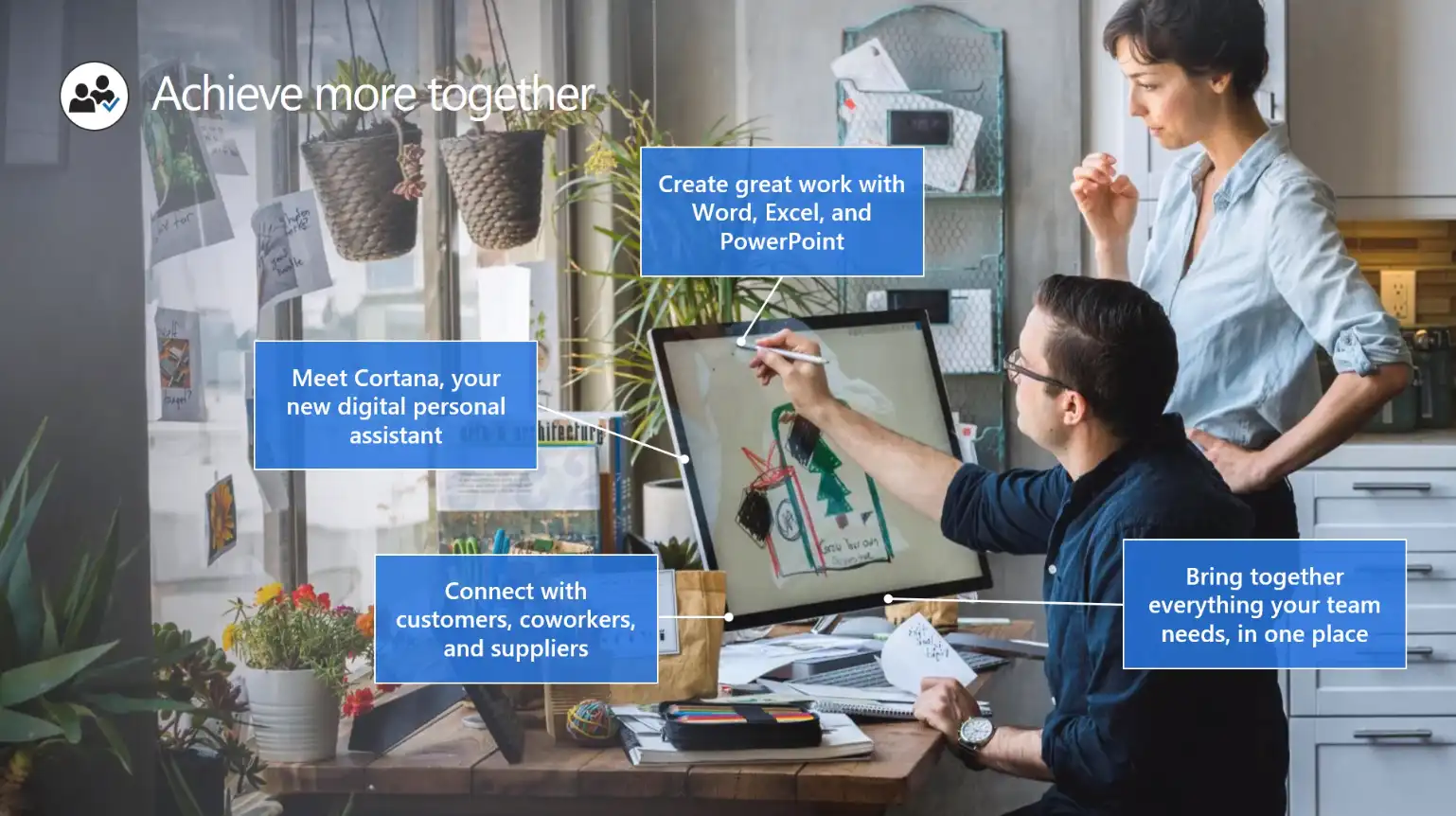
Work from home and remote workers were an unusual thing for a big part of the world until the Covid 19 Pandemic. Things changed so quickly that even the biggest companies in the world have started to move a major part of their workforce to work remotely. This is a very innovative change that most of the companies have accepted without choice. But recent surveys say that a big percentage of the businesses have realized that remote workers or remote work environments are having great benefits when compared to the standard office work environment. Advanced technology solutions have also played a critical role in making the remote working environment as pleasing as the standard office cubicle. Microsoft 365 remote working capabilities need to be experienced to believe it. Here, we are trying to give you a taste of Microsoft 365 work from home experience, from our own practices.
Benefits in Remote Working Culture
Even though there are numerous platforms and technology solutions out there that deliver easy access to cloud and on-premises resources of an organization to remote workers, very few are secure and trusted. Microsoft is a global brand that has developed unmatched solutions and technologies when it comes to remote working and work processing. There are a few huge benefits that are driving organizations towards the remote work culture. Here are some of the major points:
- Reduce cost on Office Real Estate
- Possibility to hire and add employees who are otherwise difficult to hire due to geographical factors.
- Zero commuting hours, which can be used for other stress relief and productive activities.
- Happy employees can deliver better productivity.
How Microsoft 365 Can Make A Difference
The most important difference Microsoft 365 can bring to your remote workforce is matchless productivity with excellent security to your organization’s resources. Microsoft 365 can be defined as a productivity cloud perfectly designed to run your business by injecting brilliant collaboration, communication, and work processing capabilities. It is not just a set of apps that are created and collaborate on various types of documents and data, but it offers powerful and unmatched cloud services, security, device management, etc. in a connected experience. To be precise, Microsoft 365 can support the remote work environment, or give shape to it better than every other. The Microsoft work from home solutions are unique as well as brilliantly designed.
Four Outstanding Capabilities Microsoft 365 Can Deliver to Your Remote Workers
Even though there are plenty of factors to talk about regarding the Microsoft 365 suite, we would like to tell you what makes it beneficial for organizations to inspire their remote workers. Before learning about the features, and settings, you need to know how these capabilities are going to make changes to the way people work, even when they are working from the comfort of their home, far from your real office setup. There are mainly four capabilities for Microsoft 365, which your remote workforce will find most impressive.
· Connectivity
The ability to connect from anywhere in the world 24/7 is the most priceless capability every remote workforce needs first. Microsoft 365 and its productivity cloud solutions assure this right away to get the basics right. The Microsoft 365 subscription provides all those cloud-based services and data by default.
· Safety
The single sign-in allows you to switch all those apps and services with ease. All this you can utilize with state-of-the-art security features offered by Microsoft. With strong built-in security features, multi-factor authentication, and the robust Windows 10, you can always expect the best security against data loss, malware, and other potential malware attacks. You can have a Microsoft secured remote work experience for sure.
· Management
One major issue with remote workers is that the organization will have limited/no access to the user’s device. With Microsoft 365, you get the capability to manage user’s devices. You can do this with the help of security settings, define allowed apps, and make it necessary to comply with system health. You can get all these done from the cloud itself.
· Higher Productivity and Collaboration
Furthermore, you get a major workplace productivity boost by enhancing collaboration and communication areas among your remote workers. Microsoft Teams, SharePoint, and OneDrive are the best examples of solutions that are allowing your remote workers to perform as good as they were on-premises. Teams will make online meetings and chats easy, whereas SharePoint as a platform lets your team store and retrieve documents in the cloud and collaborate on it anytime from anywhere.
There are a lot more in store to make you astonished and to inspire your remote workforce to get more work done with double productivity. You can know about Microsoft work from home solutions from our other blogs too.
Have a good day.