
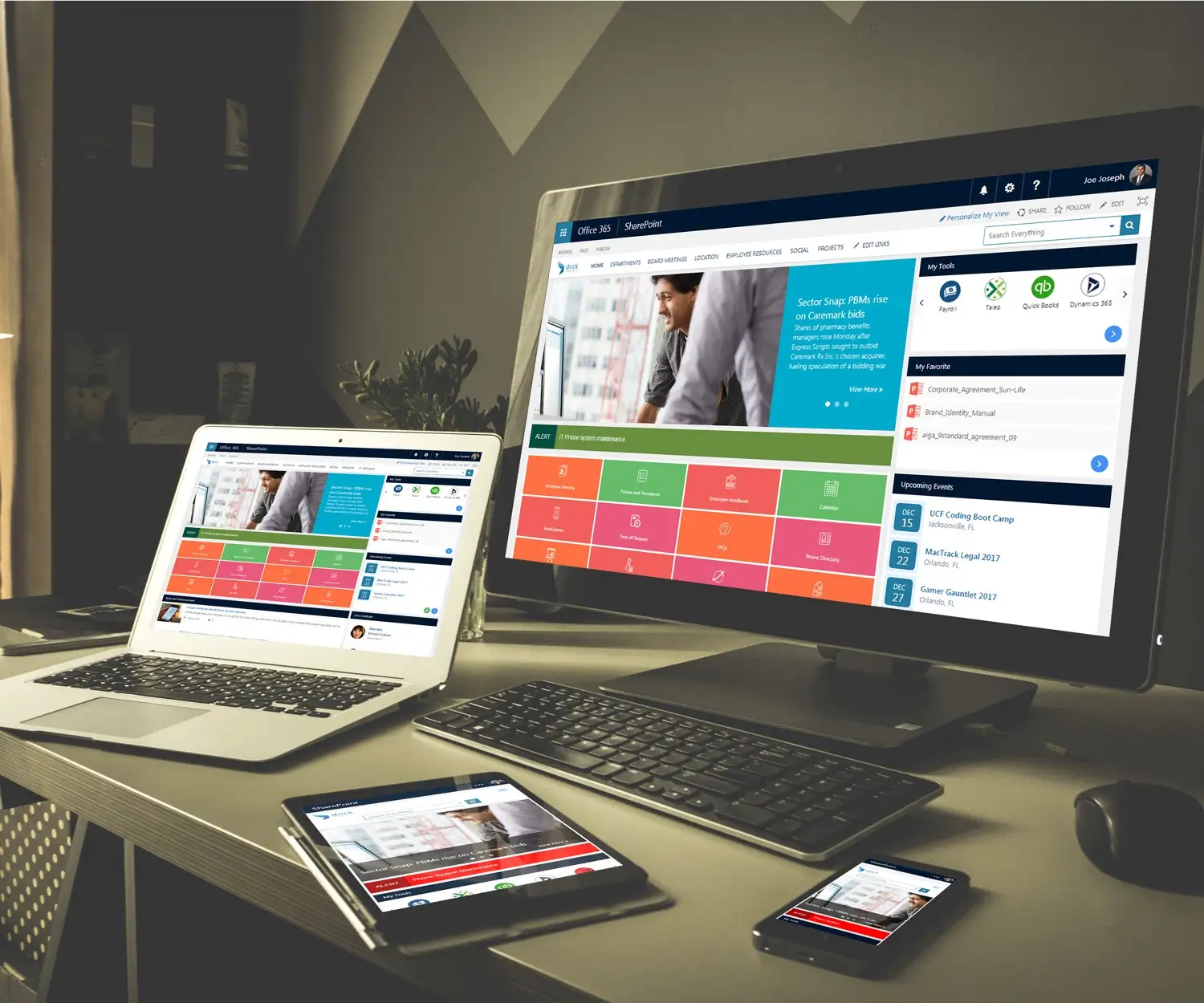
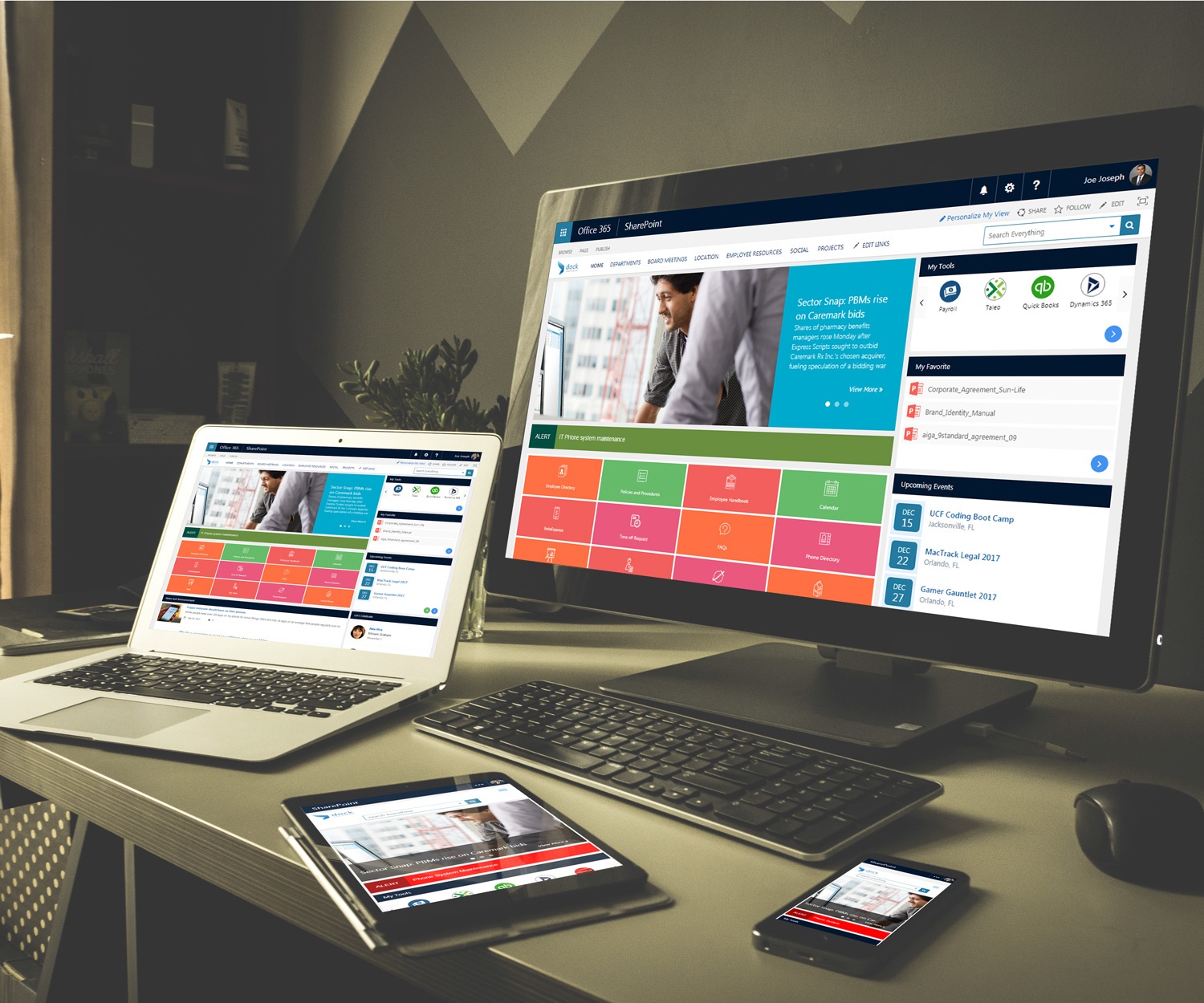
If you’re using SharePoint then chances are streamlining your business is a big priority for you. When you signed up, you were promised document management, integrated SharePoint workflows and instantly more cohesive teamwork. However, as you have probably figured out, with SharePoint you can’t just flip a switch for these things. There is a lot of confusing prep-work involved.
Dock was born out of the need to make the promises of SharePoint more achievable for every team—no matter how many users or much time and IT resources you can invest into the process. Dock’s customized intranet incorporates SharePoint workflows out-of-the-box on day 1, meaning your team can hit the ground running with all the promises of SharePoint.
What is a SharePoint workflow?
Microsoft’s official definition is, “a pre-programmed mini-application[s] that streamlines and automates a wide variety of business processes.” We think this definition is a little confusing, so we’re going to break it down to you.
Imagine a workflow like a flowchart of a business process. Let’s use time off requests as an example. If an employee wants time off, they’ll request it from their manager. The manager either approves or disapproves the date. From there, the manager will send the request to payroll to see if the employee has paid days off left. The payroll manager will also have to approve or disapprove the payment. That decision has to be sent somewhere as well, to the person in charge of scheduling or directly to the employee. These are a lot of manual, busy steps that must be remembered in a timely manner by each step in the chain
Workflows were designed to manage and streamline processes like this. Instead of manually checking up on each point, SharePoint will send each person a message with a simple “approve or disapprove” button to click and manage all the intermittent steps for you. What used to take a week to get from person to person can now take just a few moments.
However, getting from the mess of requests and approvals to a streamlined workflow can take a lot of steps in traditional SharePoint. Dock makes your workflows easy. Our team of SharePoint experts will learn all the things you want to be able to accomplish with your SharePoint intranet and preformulate them so your workflows start working for you right away.
Learn More: SharePoint is the Top Content Management Solution
Ready to see how SharePoint workflows will transform your business? Flip the switch to your instantly cohesive team with Dock. Contact the SharePoint experts at Dock today to schedule a demo and see your future intranet in action.


.webp)

