

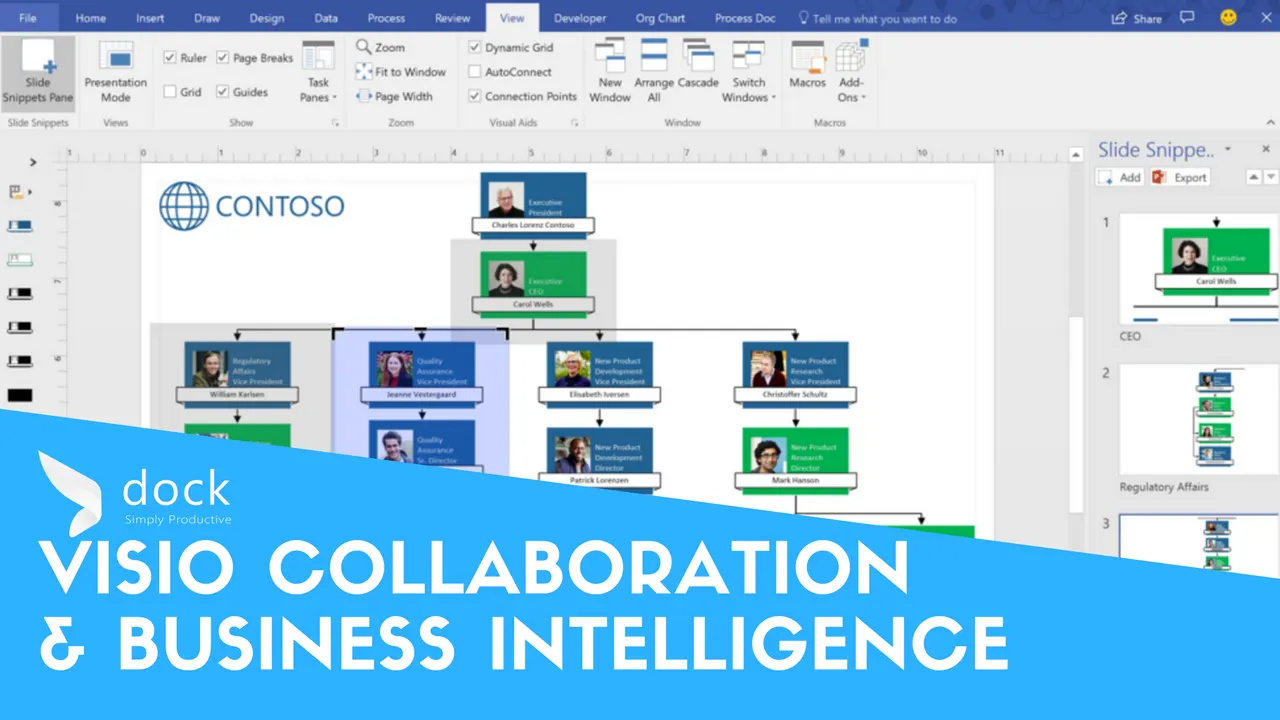
“What is scarce in all of this abundance is human attention.” – Satya Nadella, Chief Executive Officer Microsoft. It’s important to show the more essential information and visuals can take the most complex data into a way everyone can understand. Visio offers organizational management, process modeling, facility management, IT operations and management, mind mapping and operation insights.
Visualize complex ideas through intuitive, data-linked diagrams with Visio. You’ll be able to create true business intelligence with professional diagrams quickly to translate work into diagrams to easily visualize complex ideas. Connect diagrams to live data that’s associated with real-time data with diagrams to make more informed decisions. Collaborate with your team members to work together on diagrams to include insights from all stakeholders. Communicate one version of truth visually by sharing diagrams throughout the workforce to keep every informed.
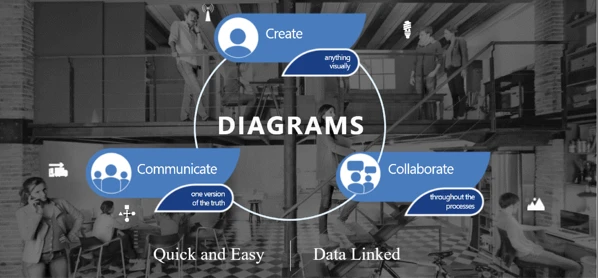
Collaboration in Visio Online
Key scenarios include the ability to view diagrams by accessing them anywhere and view in full fidelity. Create or edit professional diagrams online is a key benefit. Collaborate through comments to review or author diagrams. Share diagrams with anyone across your organization or outside, even if they don’t have Visio installed on their computer.
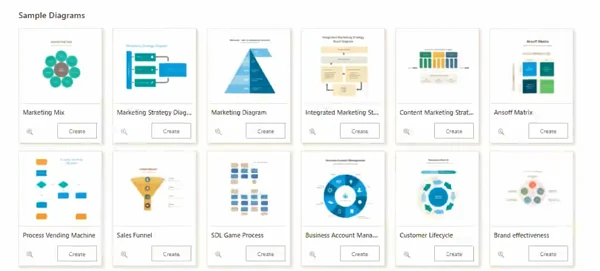
Easy to start and create diagrams:
- Create and Edit Diagrams
- Basic Create Capabilities
- Search for Diagrams and Shapes
- Collaborate through Comments
- Export to PDF or Image
- Share with Others with a Link
Visio and Office Applications
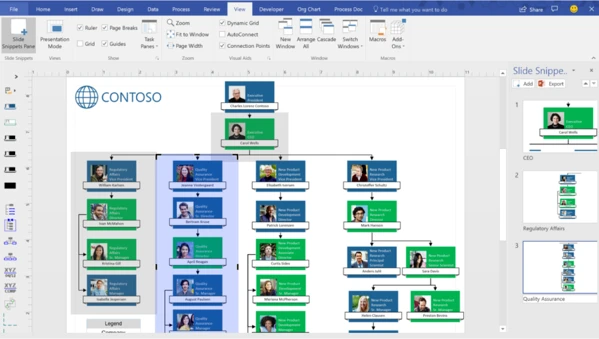
Create PowerPoint presentation from Visio diagram in 3 simple steps:
- Add slide snippets to Visio diagram
- Add your PowerPoint slide titles in Visio
- Export and present your diagram in PowerPoint with context
Data driven process modeling with Visio DV: Use our pre-made Excel process map templates or use your own to capture requirements. Automatically create diagrams from data, and diagrams are in sync with your data. Visio provides a quick process visualization capability. Business analysts can quickly visualize the process data they capture as process diagrams in Visio. Another benefit is the ability to collaborate in Excel. All stakeholders involved in a process can collaboratively work on the process data in Excel. The diagram will be in sync with the data. You can also create process diagrams from your data and then visualize the key metrics as data graphics. Then publish the diagrams online as live dashboards.
Creating Unified Dashboards
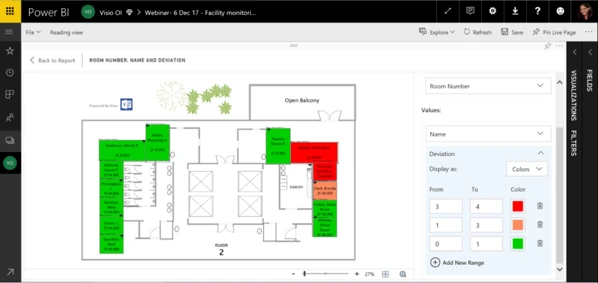
Here’s an example for a facility management workflow. First create your Visio diagram. Next, import to Power BI, map Power BI data to Visio shapes, define interaction with data and shapes to finish up the process. Finally, share the dashboard for your team to review.


.webp)

