
Our customers have been happy using our Dock's intranet portal until one day we received a voicemail. “Hello Dock Team, I just found out a new menu item on my Office 365 button. It looks really nice and I was wondering how my files are managed in Teams.”.
I’m pretty sure everyone has come across Microsoft Teams and started using it before knowing it’s capability/features. If you're not sure about what happens to your files/documents in teams, don’t start using it. We strongly recommend you read the information below about shared documents in the Microsoft Team application before you decide.
There's a unique way in which Microsoft Teams deal with files. This is the sole reason why it has become a complete collaboration tool for businesses worldwide!
Document sharing using your Team Channels
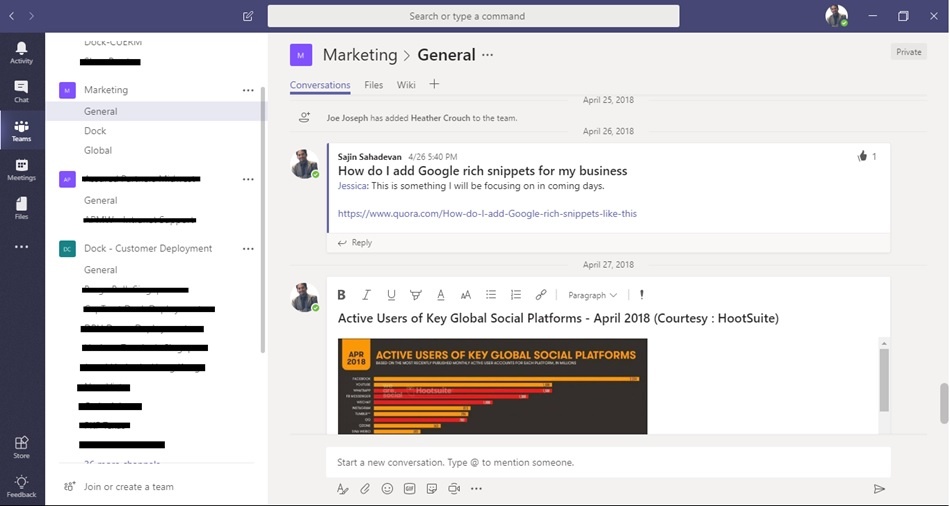
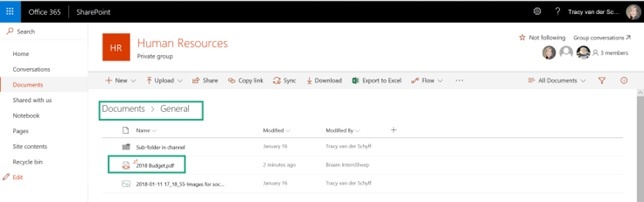
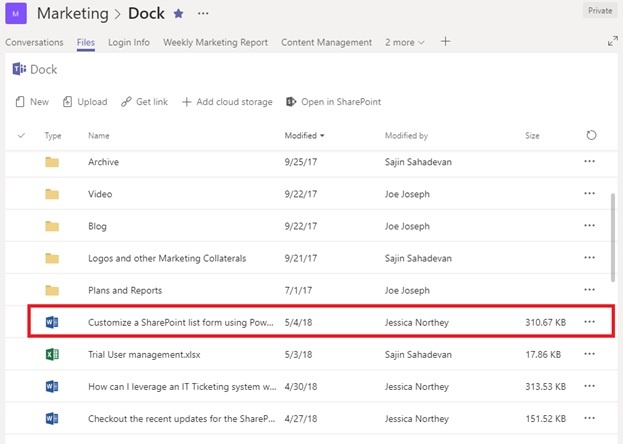
While sharing documents via Team Channels, the files can be shown in the conversations. However, these files are automatically saved into the relevant folder, which is in the shared documents folder on Microsoft SharePoint. Please note that Microsoft Teams creates a SharePoint site in the backend. The documents can also be seen in that respective channel in “Files” tab.
Here’s the document in SharePoint (in the right folder):
The document in the Files Tab in the specific Channel:
Documents that are shared via Chats
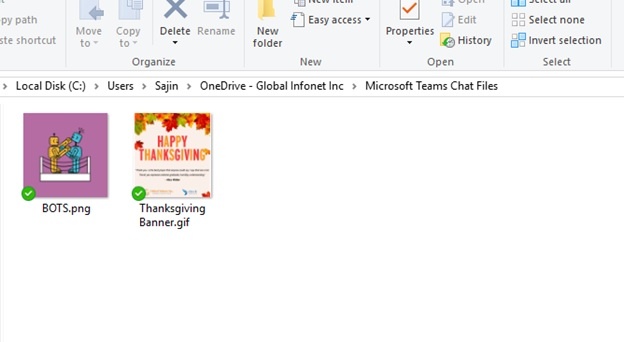
This is when you share a file/document with your colleagues in the direct chat (which is outside the teams tab). These files get saved in the Microsoft Teams Chat files under your OneDrive.
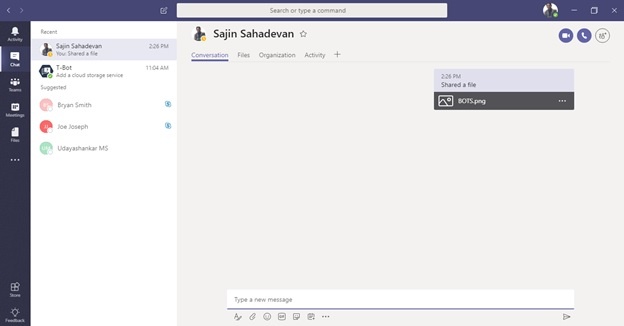
Here’s how the files get saved in your OneDrive:
Files
Did you notice the Files icon on the left-hand side of the Teams App? This shows all the files that are used in Microsoft Teams and OneDrive. So why not save all your office files on your OneDrive instead of your local drives, so that you can look for your files in one place? You can also identify the document’s location too, like in which Team or OneDrive Folder.
T-Bot
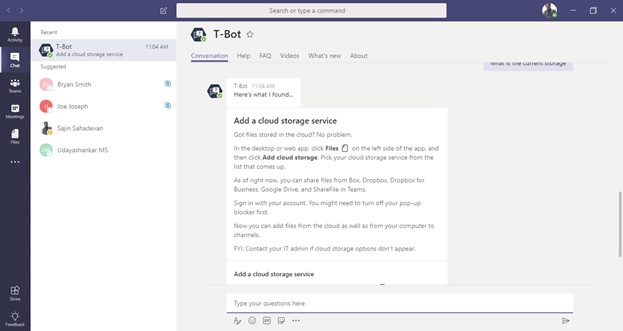
T-Bot is a bot which users can interact with to ask it questions about how to use Microsoft Teams and get answers to a wide range of questions.
Microsoft Teams provides localized language support for T-Bot and general help content. New languages are being added all the time. For the most current list of supported languages, see the Microsoft Teams supported languages section for more help content.
T-Bot also provides alternative assistance methods for users that prefer browsing the content instead of asking questions to a bot.
If you're not sure of something, ask your T-Bot!
Our “Teams” Experience
Our employees at Dock 365 Inc. and Global Infonet Inc. have been using Microsoft Teams for over a year now. We are using Teams for managing Client Project Documents, Marketing Activities and Support related queries. The good part of using Teams is of course, reliability and mobility! The first thing what we see in the morning is our team fiddling with their phones before they step into their seats. Now we have no reason to blame them for using their phones at work.